See your media become your streaming service.
Explore the native ShowShark Player on Apple devices and the Mac Server behind it, organized by task.
ShowShark Player
One native app for everything you watch and listen to
Browse your own library on iPhone, iPad, Mac, Apple TV, Apple Watch, and Apple Vision Pro—at home, remotely, or offline.
Browse, discover, and search
Move through movies, TV shows, physical locations, recent additions, and powerful library or filename searches without hunting through streaming-service menus.
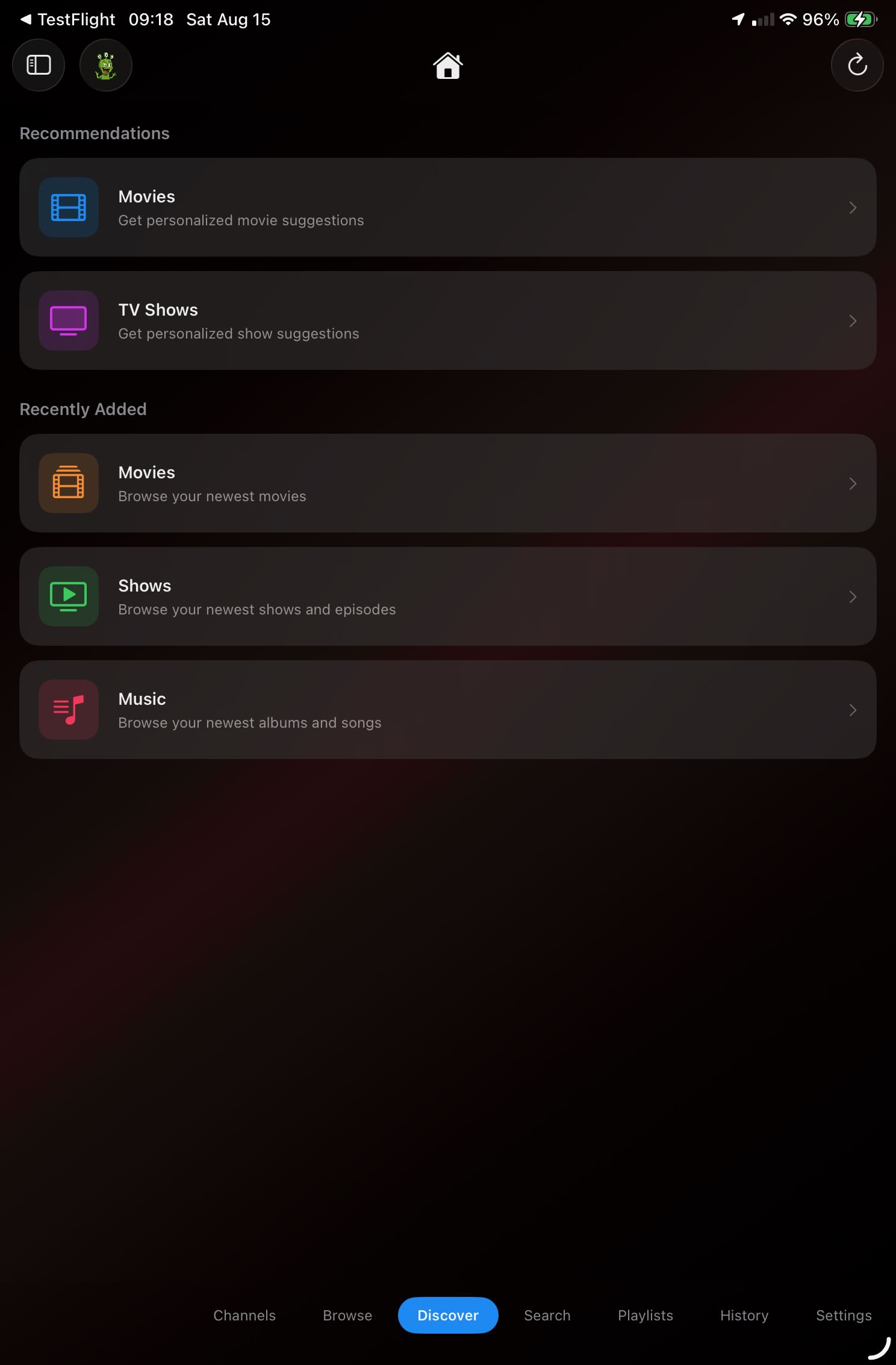
Discover recommendations and recent additions
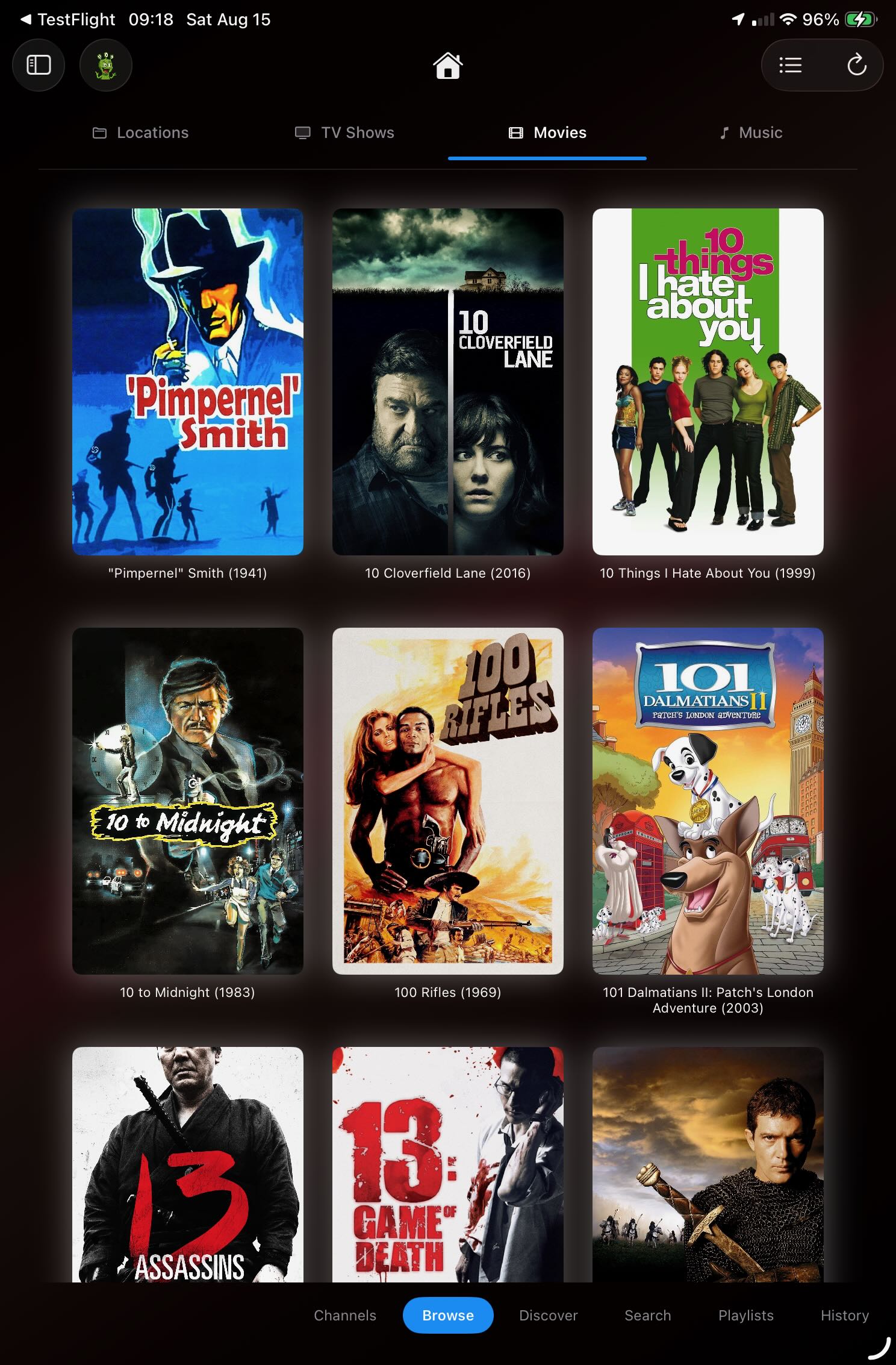
Browse your complete movie library
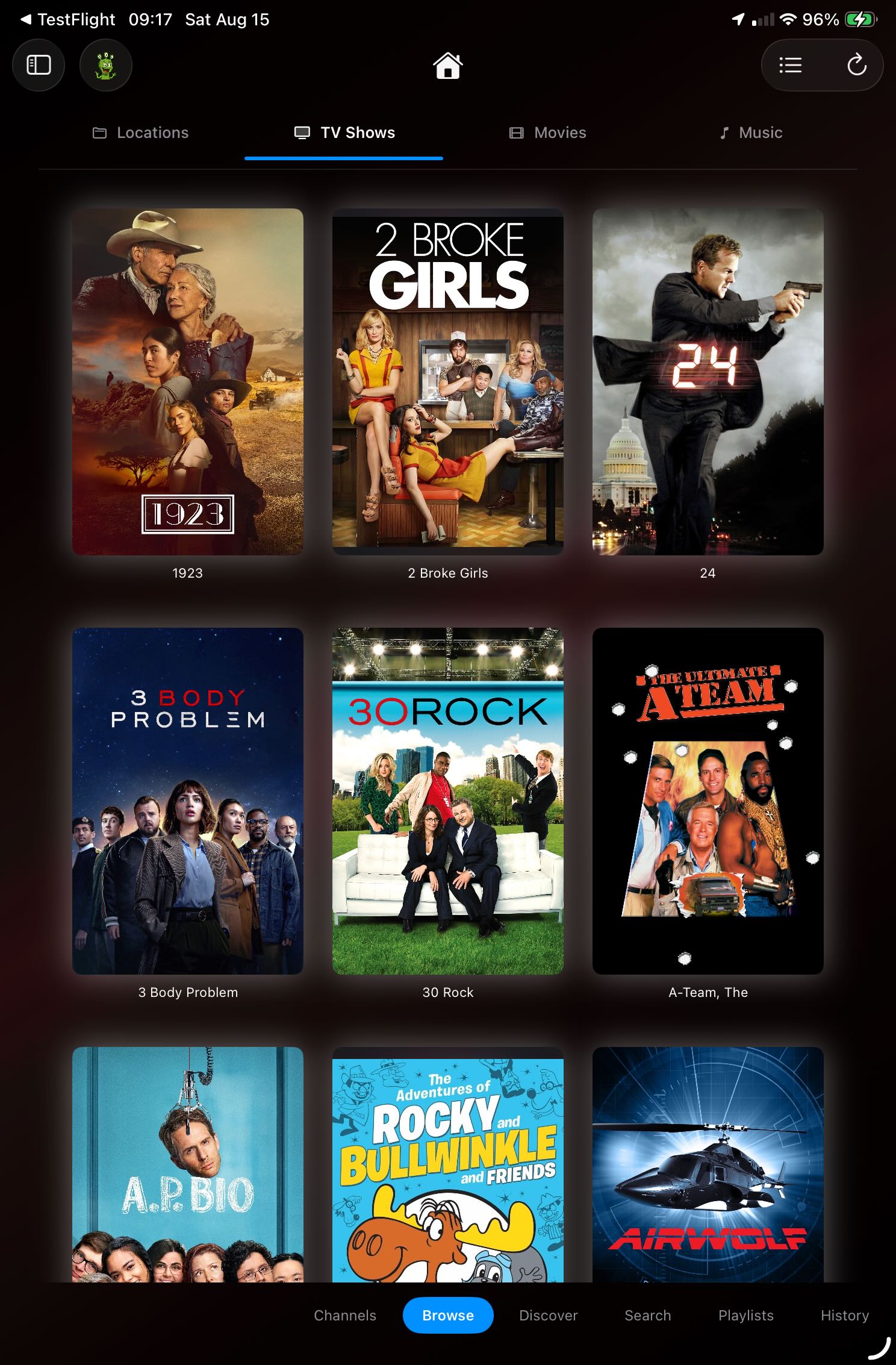
Browse TV shows by artwork
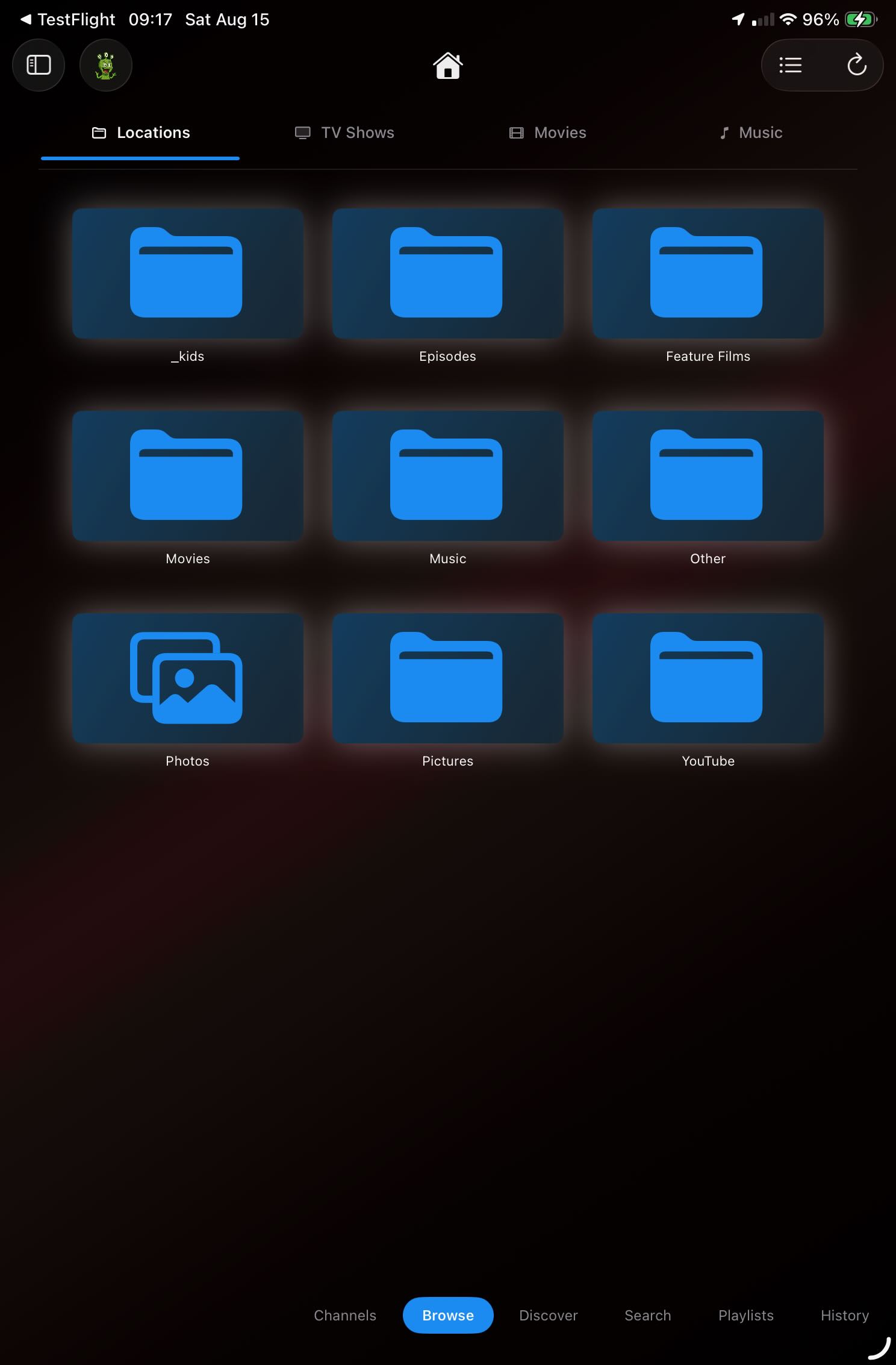
Navigate by familiar media locations
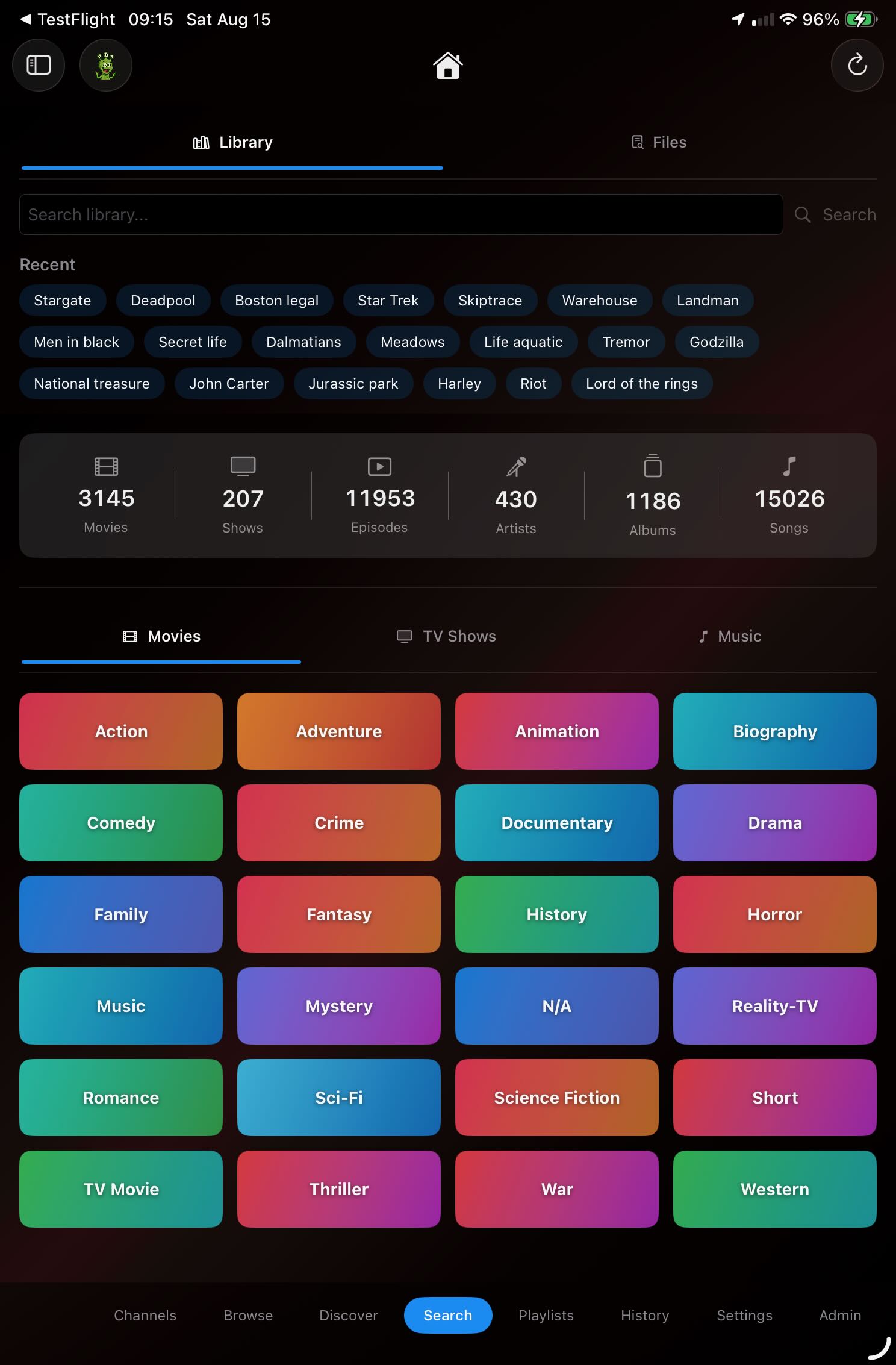
Search titles, people, and genres
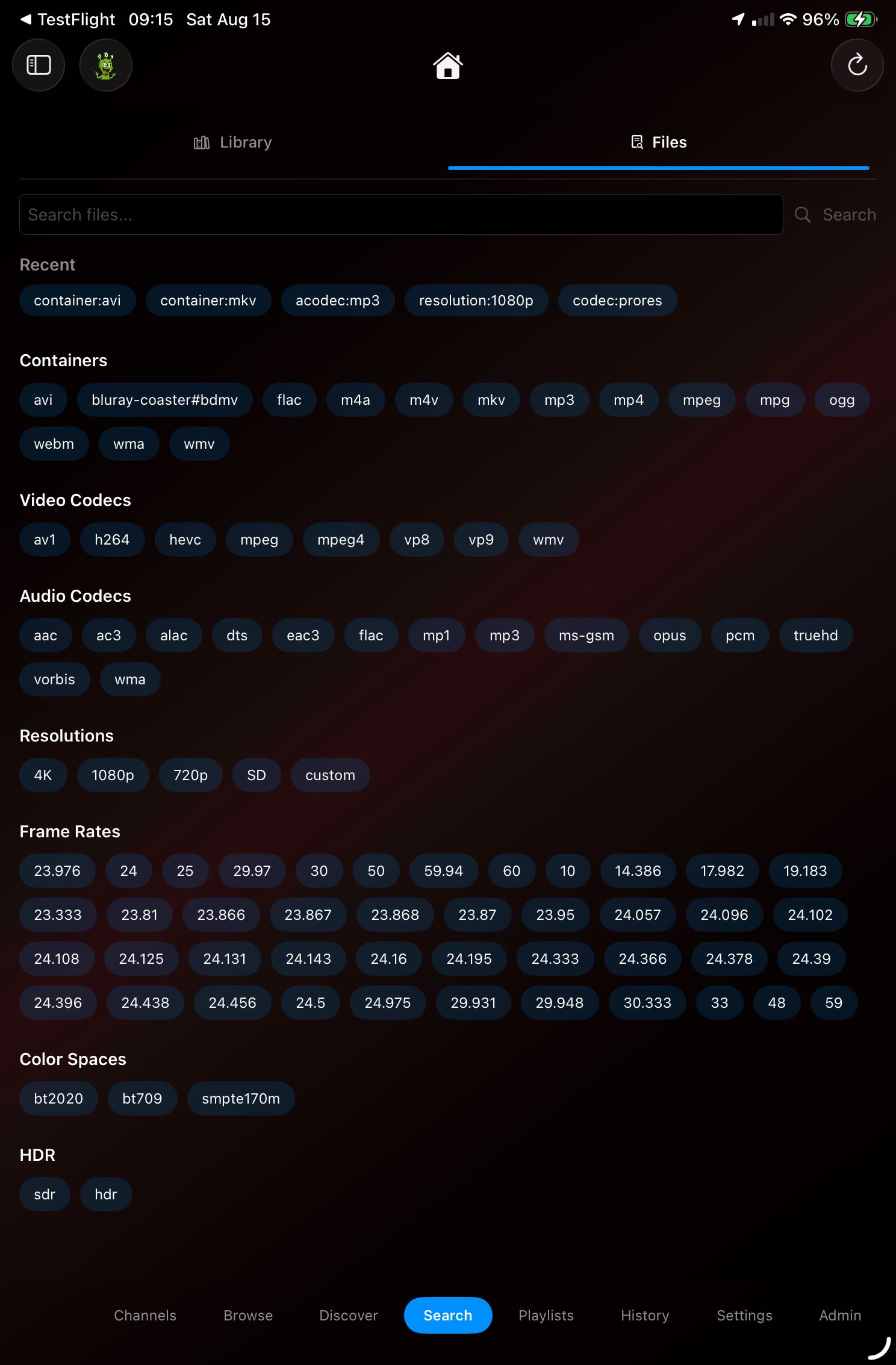
Find the exact file when you need it
The complete movie experience
ShowShark turns a movie file into a polished title page with artwork, synopsis, cast, genres, related movies, visual seeking, downloads, and playback controls.
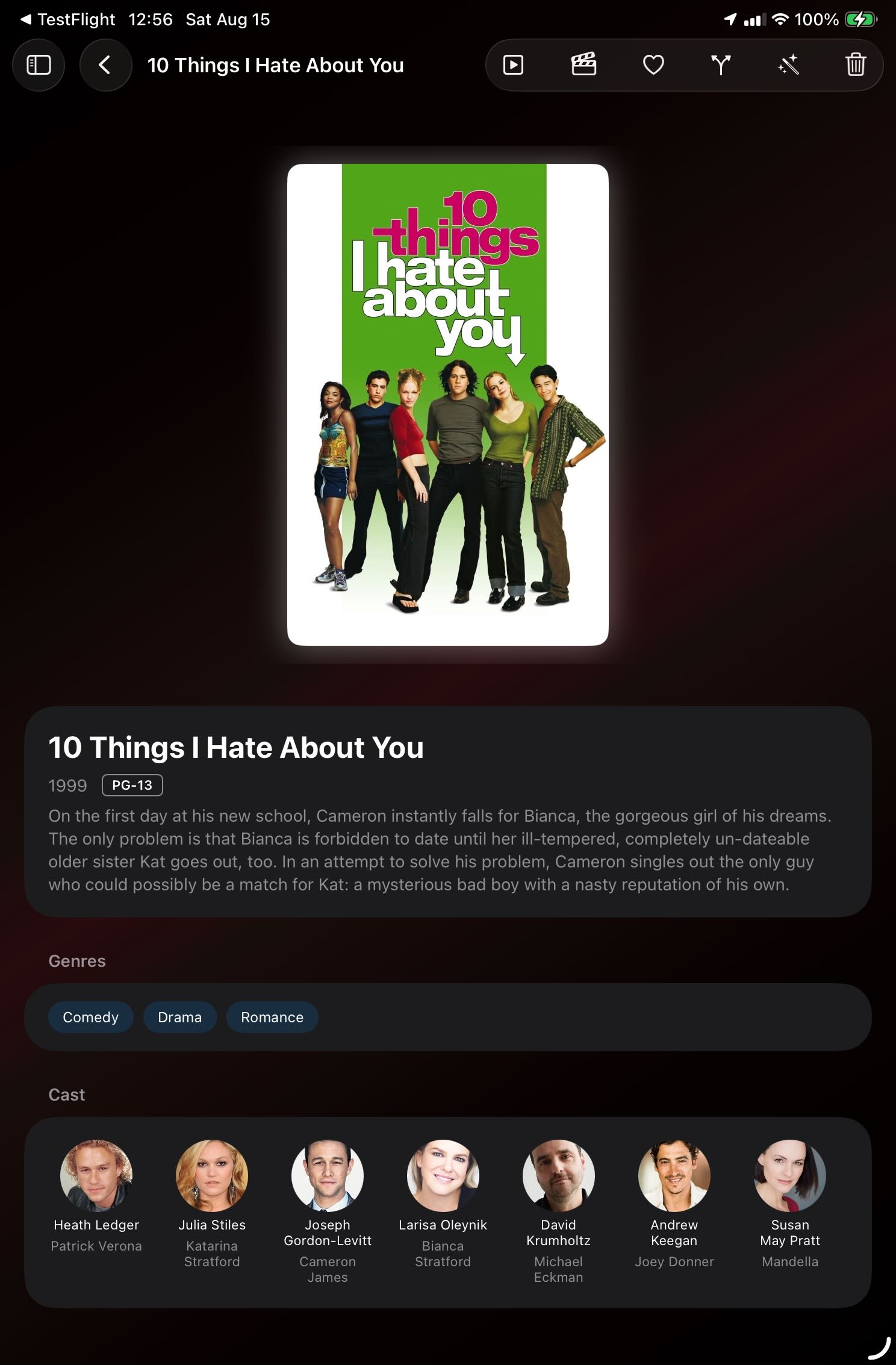
Rich artwork, metadata, cast, and controls
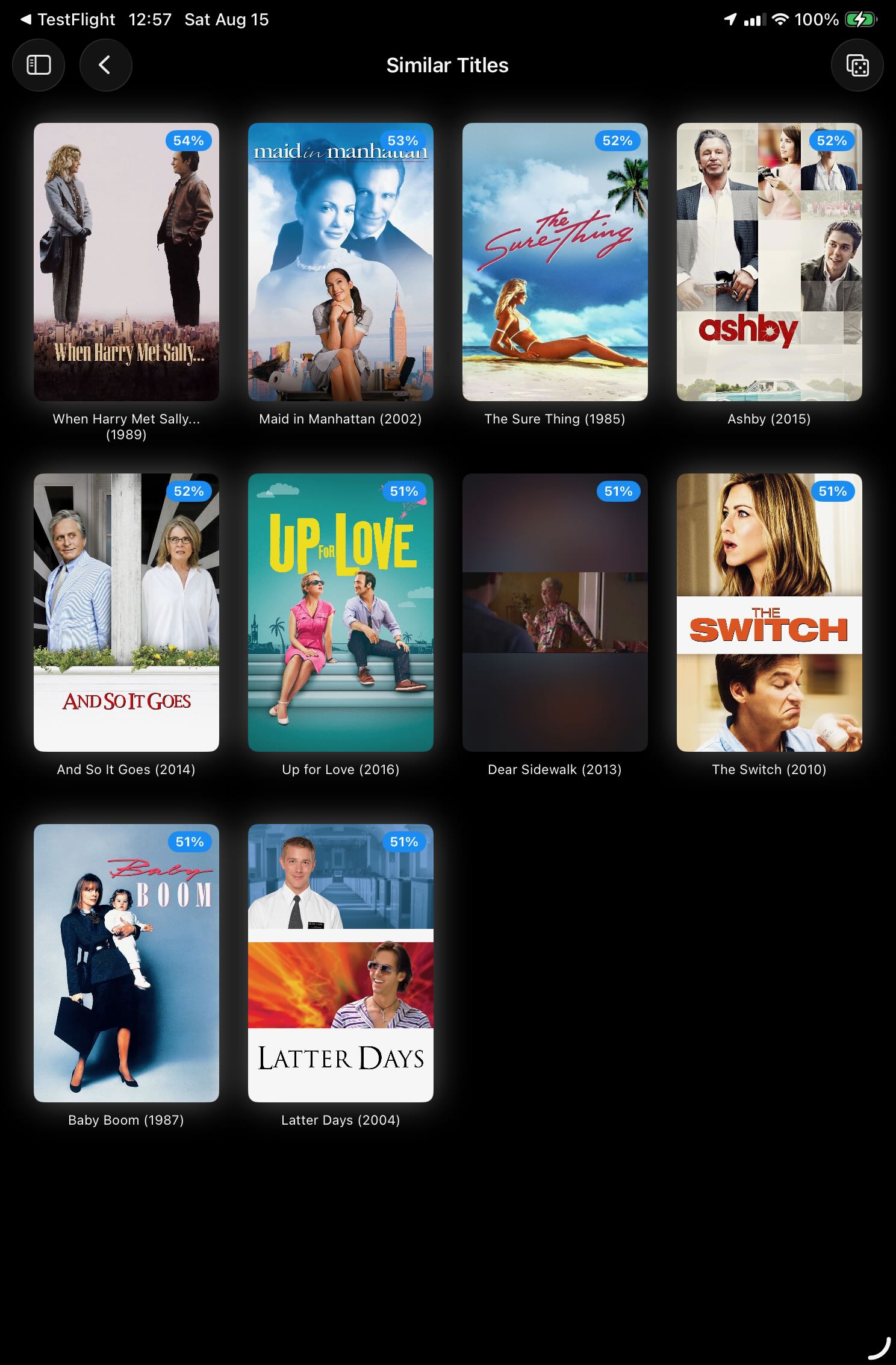
Explore similar titles in your library
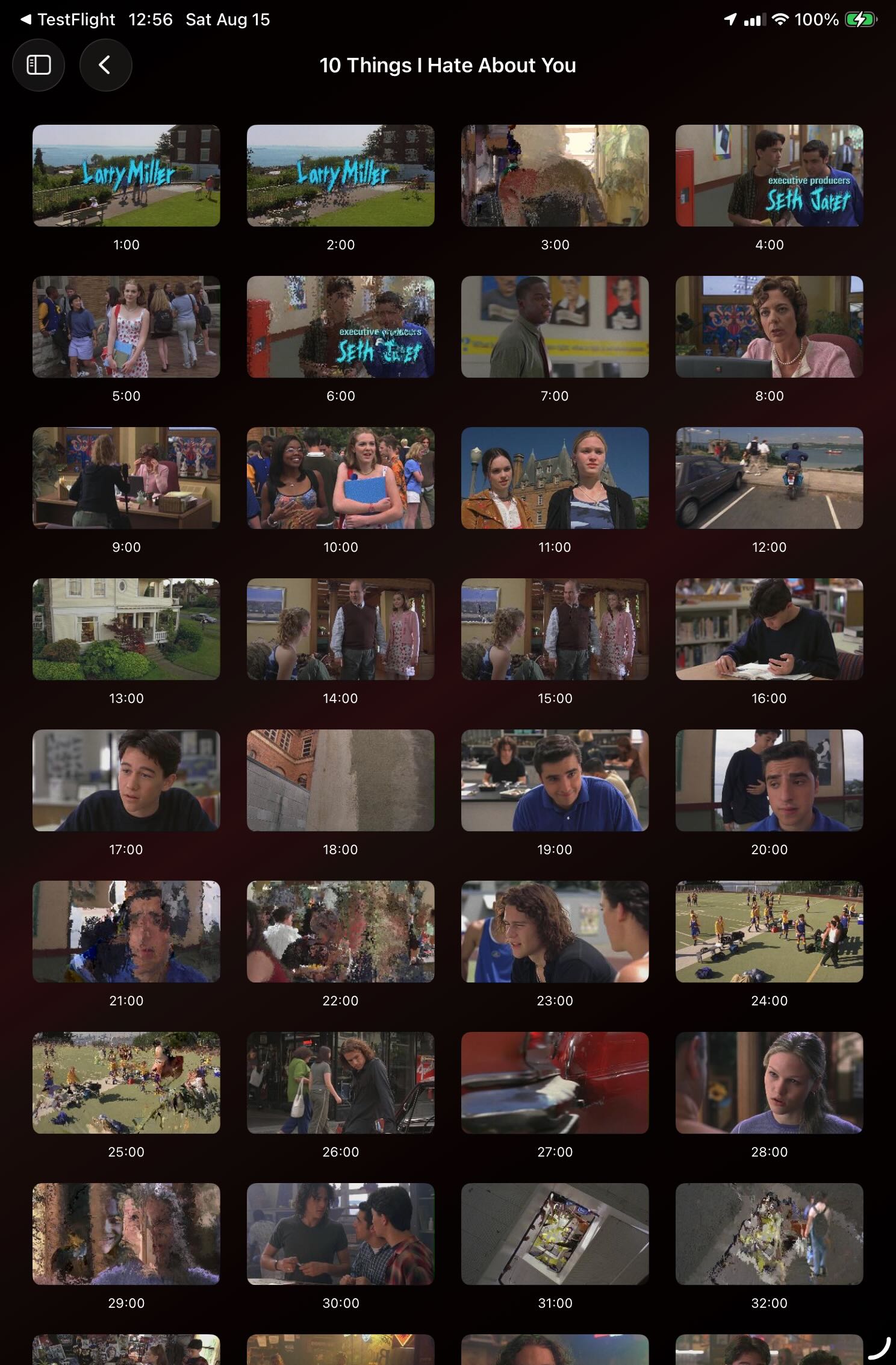
Jump through a movie with visual thumbnails
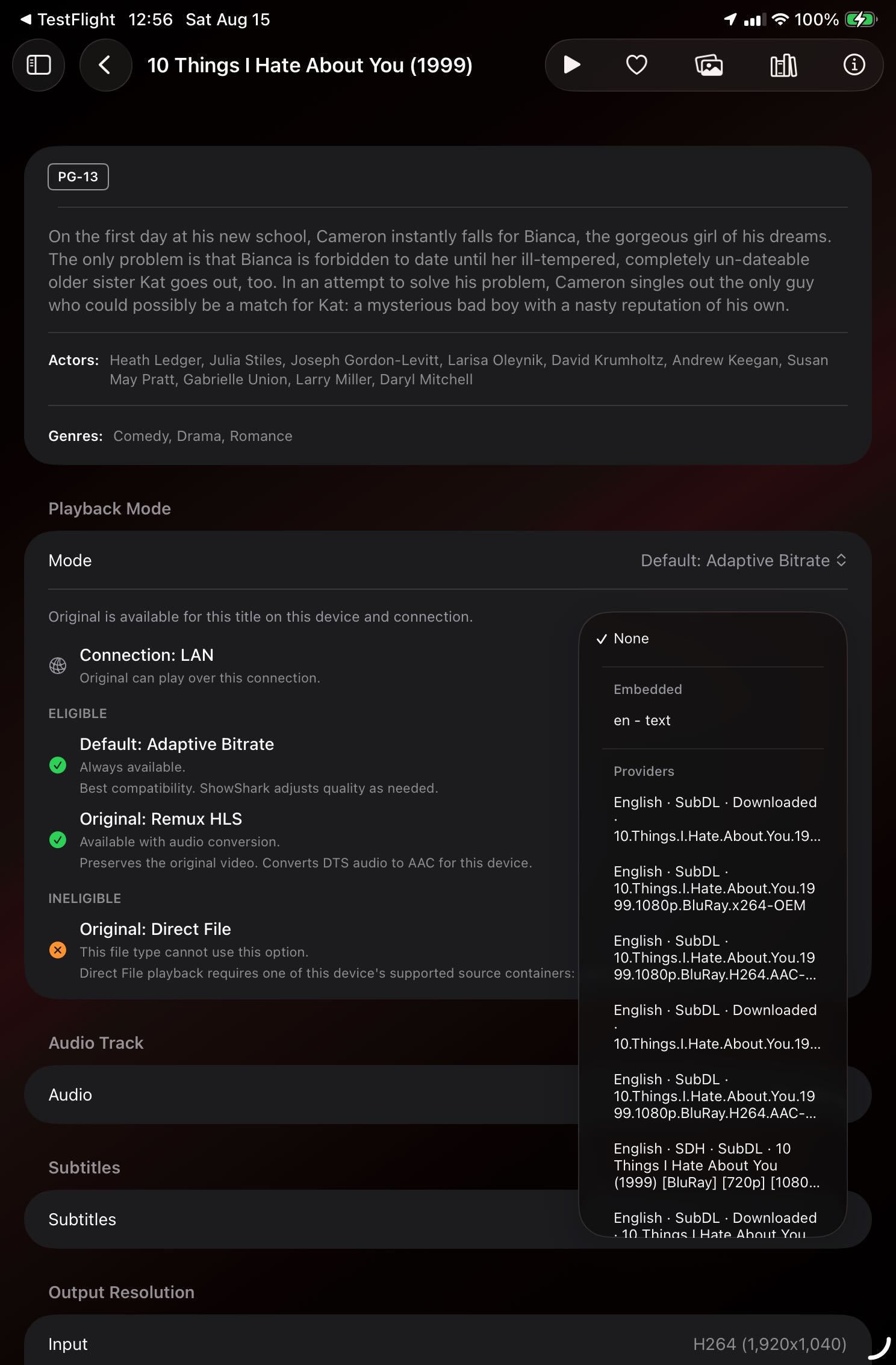
Control quality, audio, and subtitles
TV seasons and episodes that stay put
Open a complete series, move between seasons and episodes, discover related shows, and resume playback without wondering whether a streaming license expired.
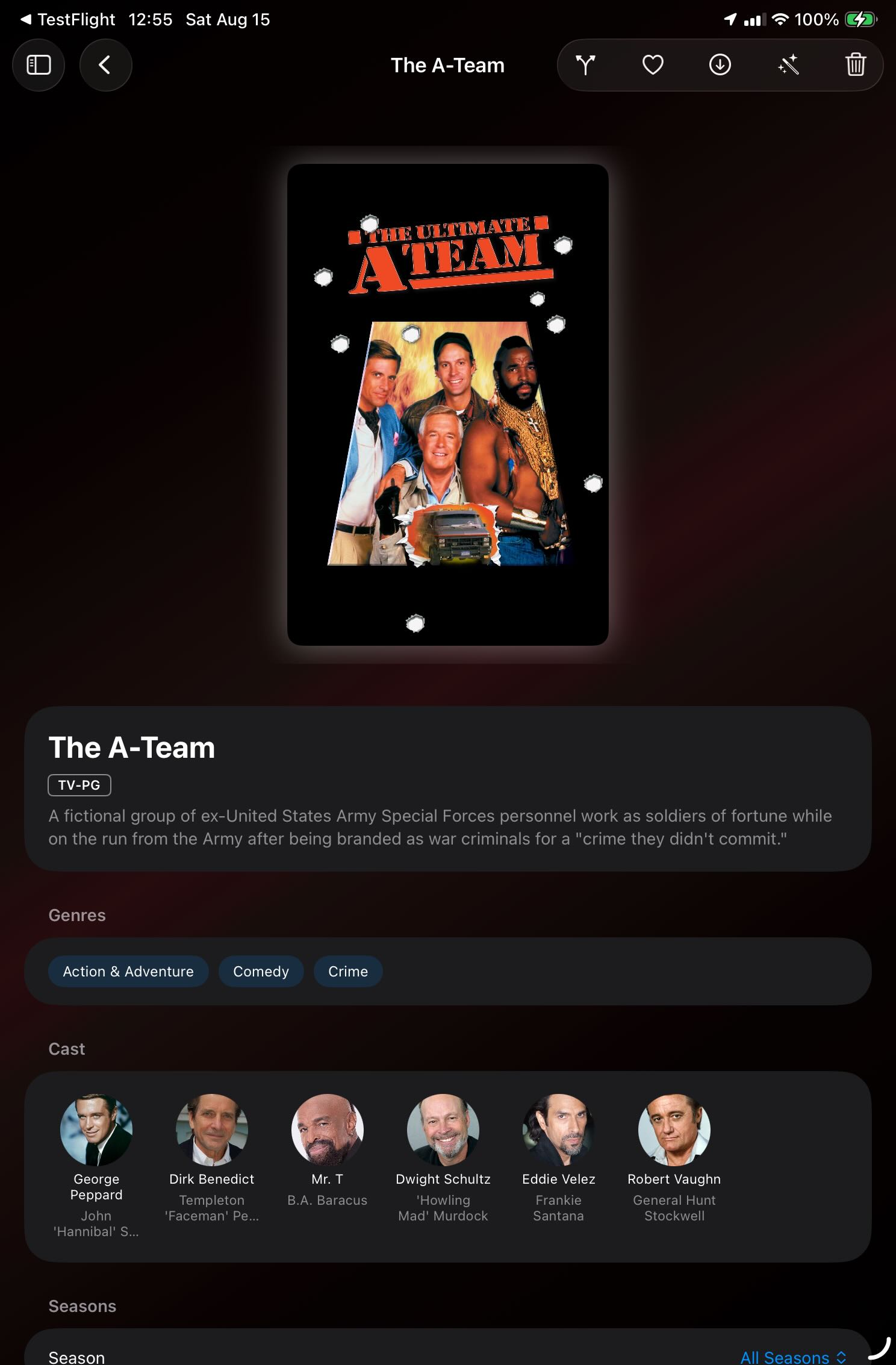
Open a complete TV series
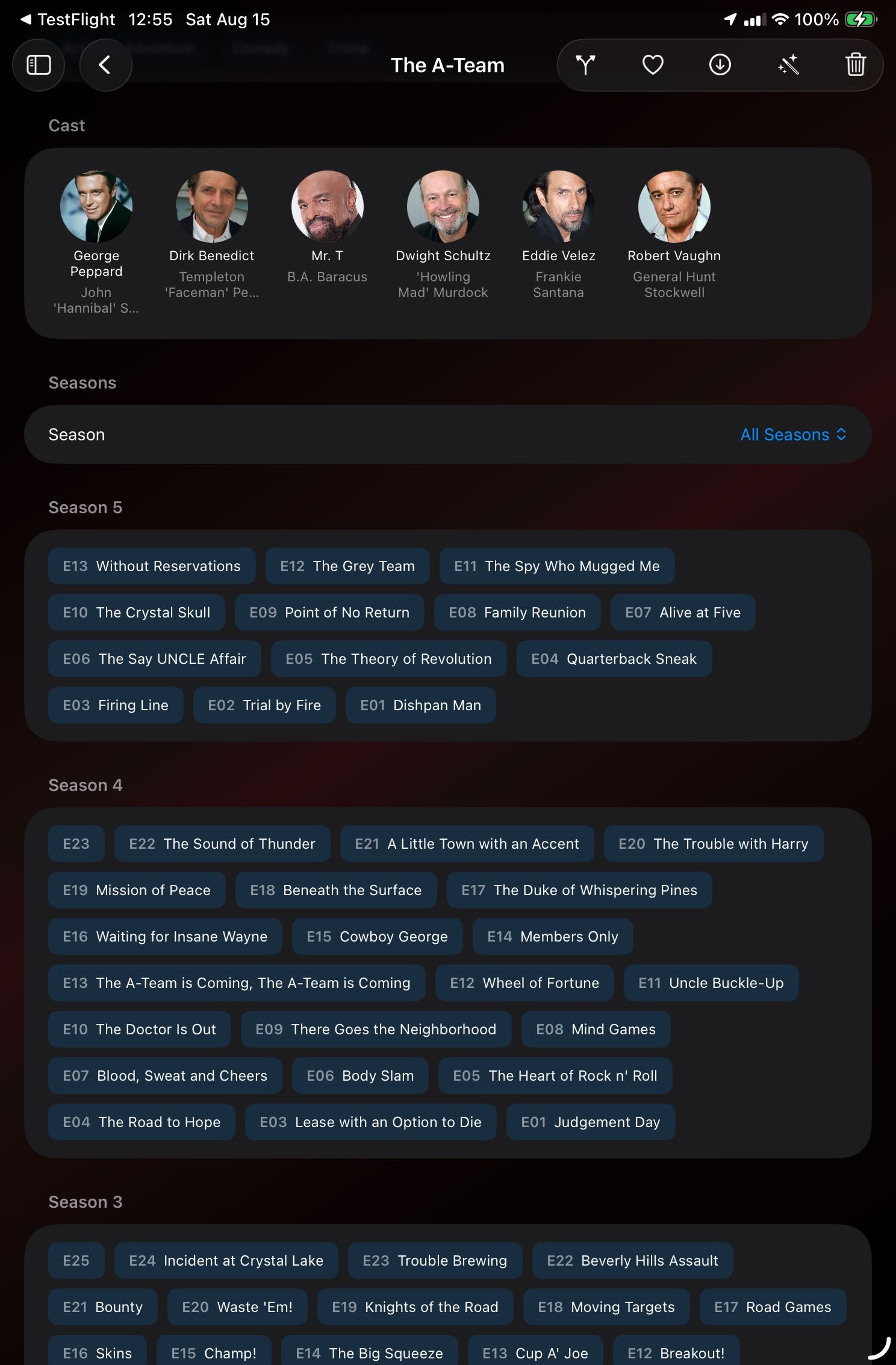
Move through seasons and episodes
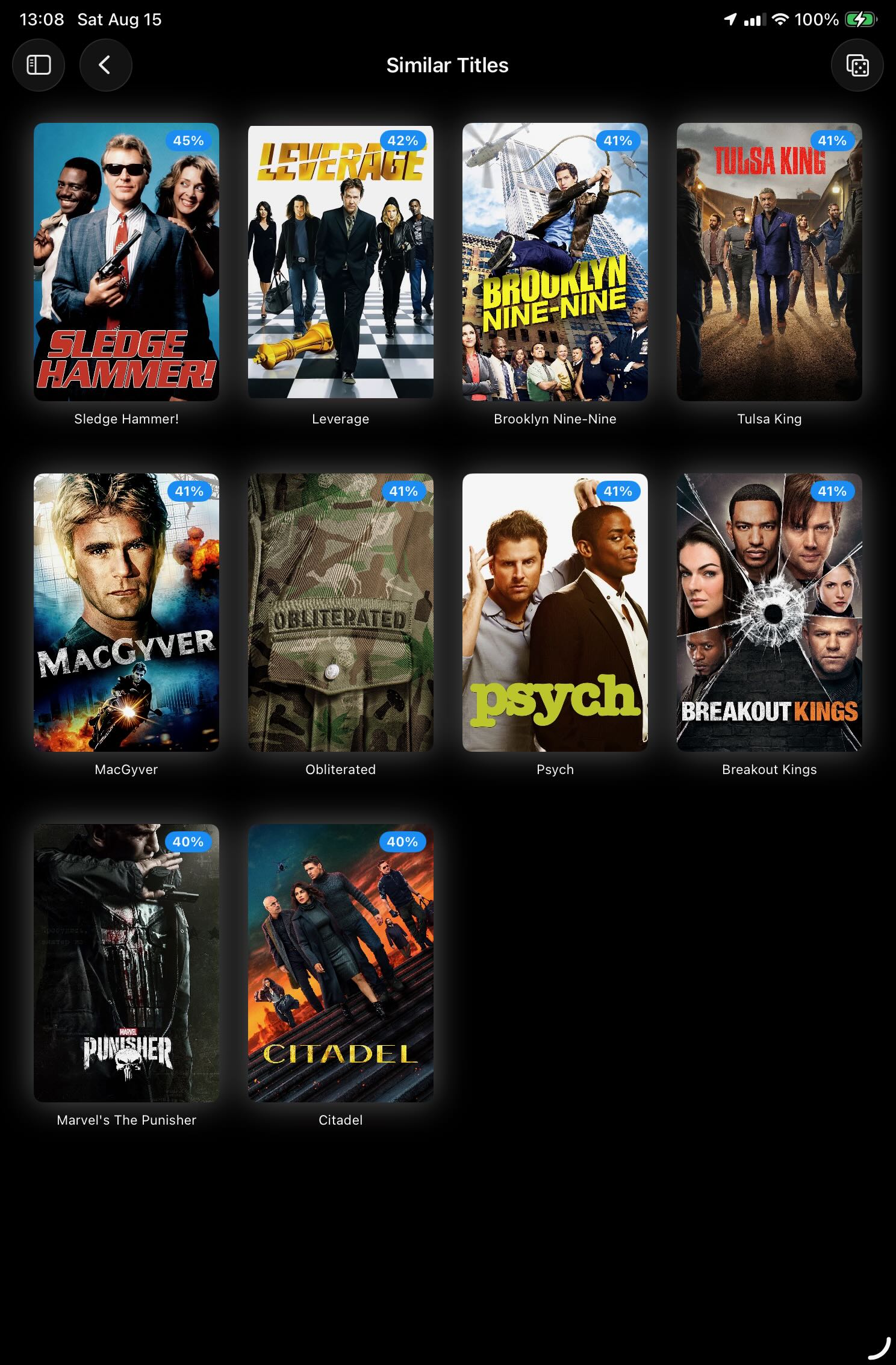
Find related shows you already own
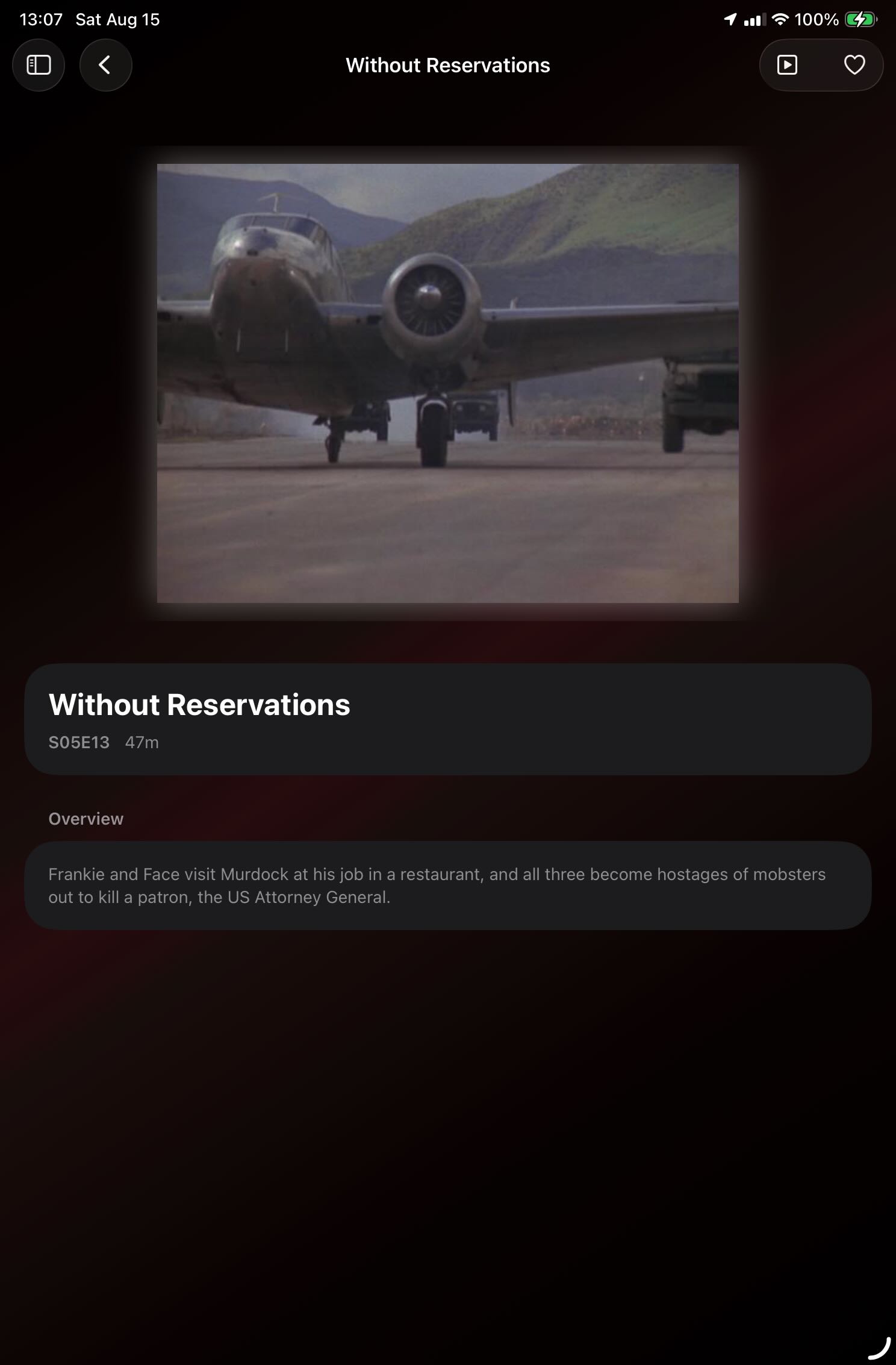
See details for an individual episode
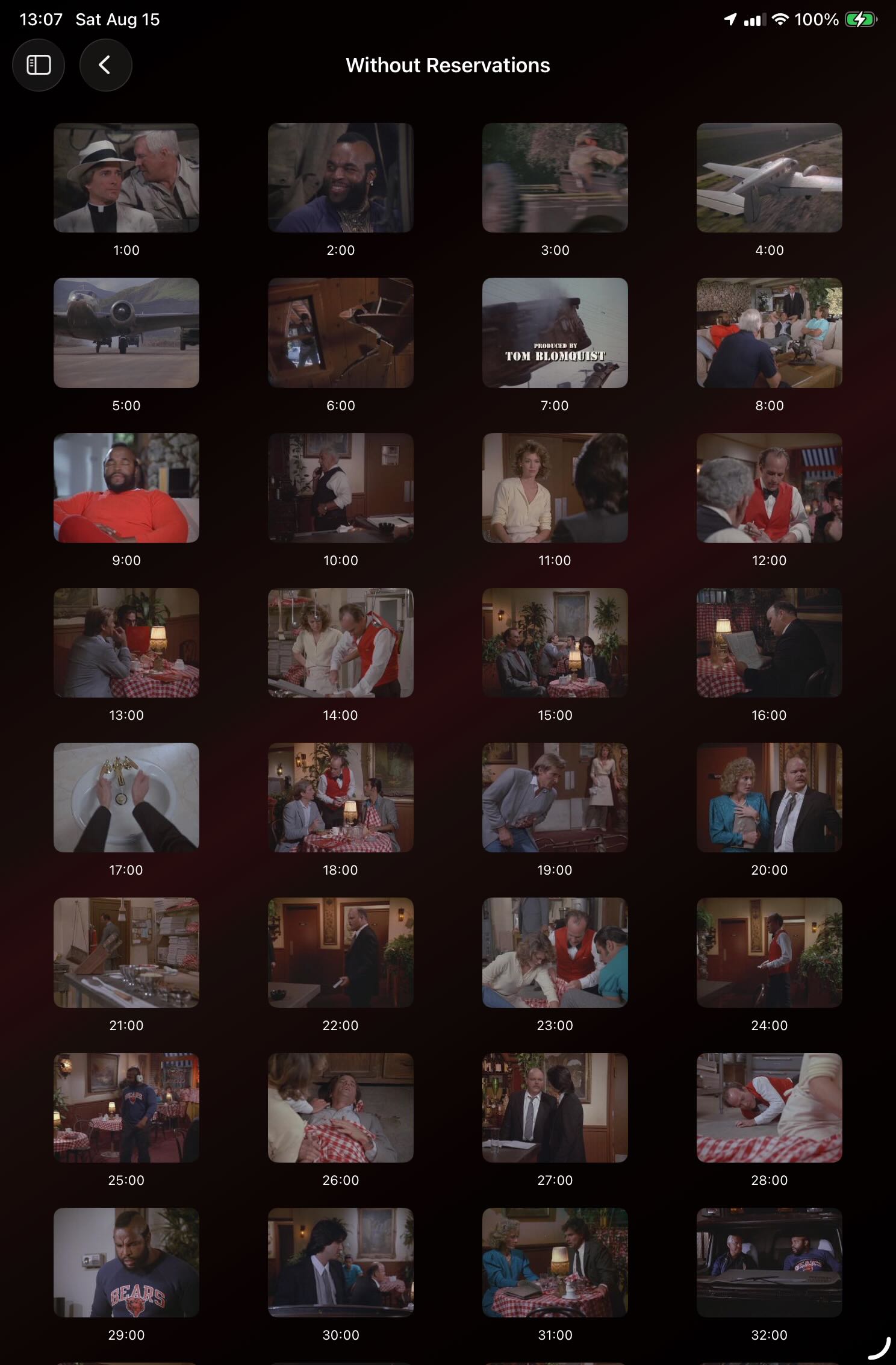
Navigate an episode visually
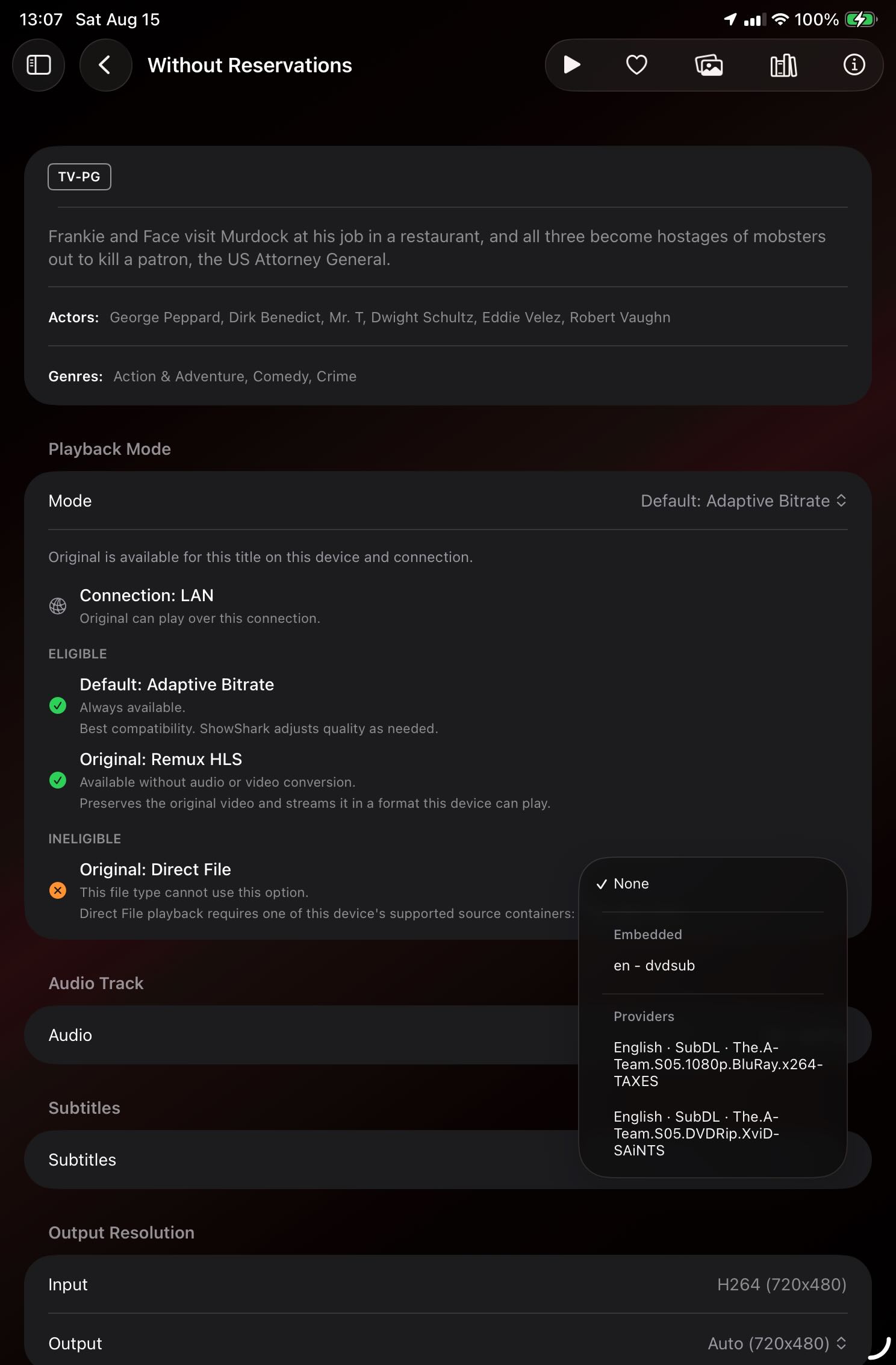
Choose the best playback path for each device
Your music library belongs here, too
Browse artists, open albums, and play individual tracks from the same private server that holds your movies and shows.
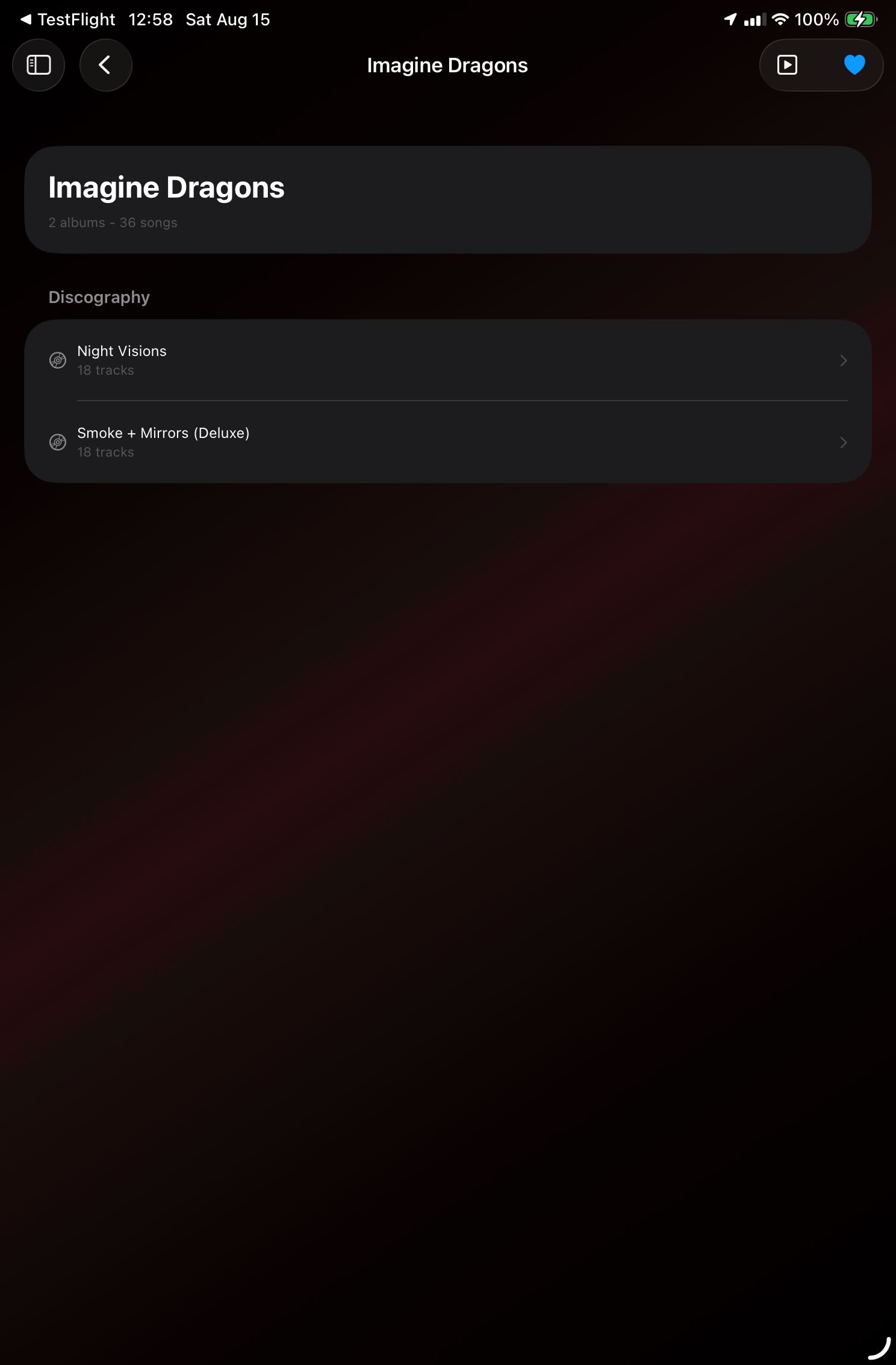
Browse an artist and their albums
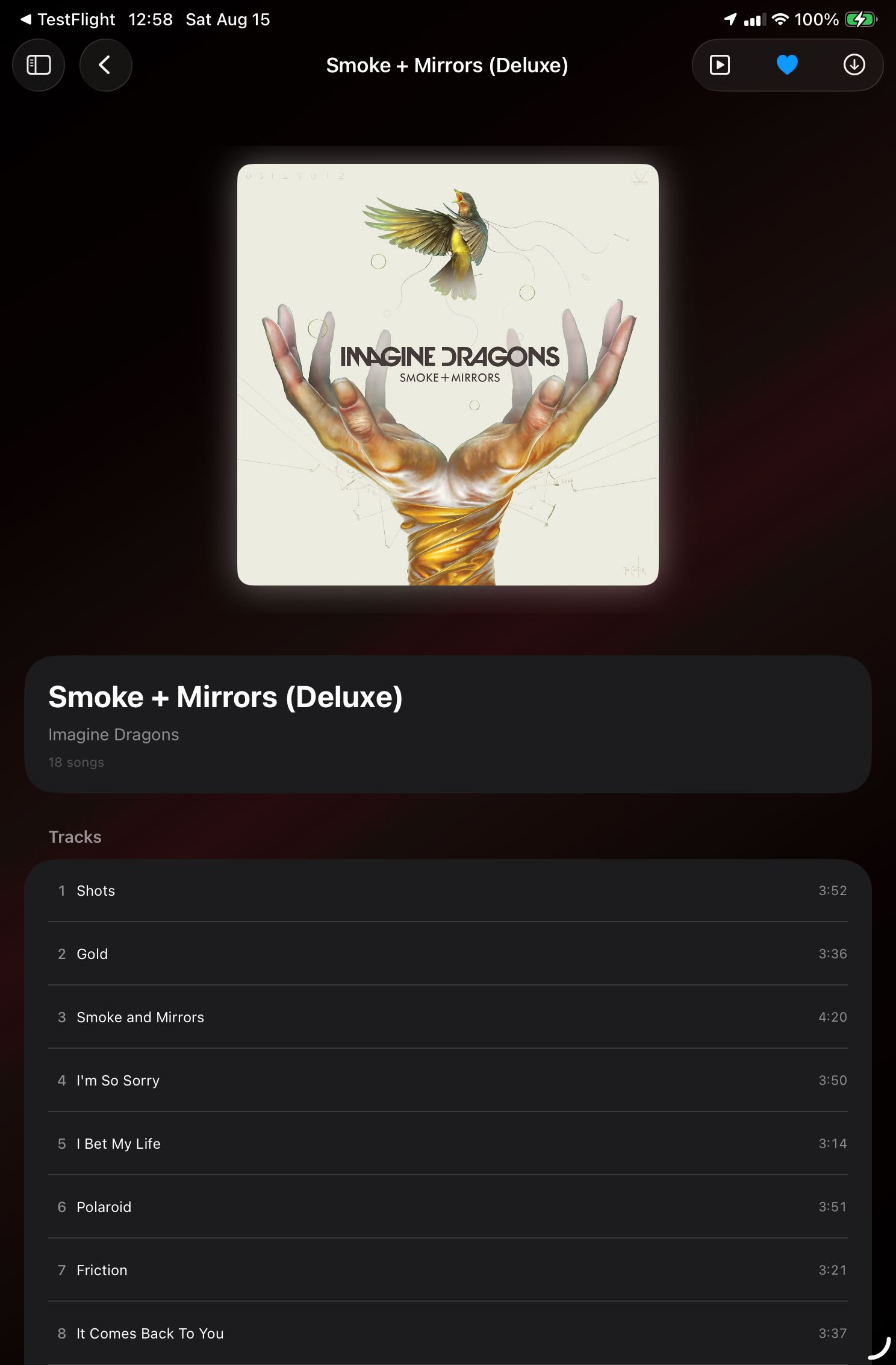
Open an album and choose a track
YouTube, podcasts, cameras, and more
ShowShark goes beyond a traditional movie server with video channels, YouTube subscriptions, podcasts, Internet Radio, ONVIF and RTSP camera feeds, photo channels, and IPTV.
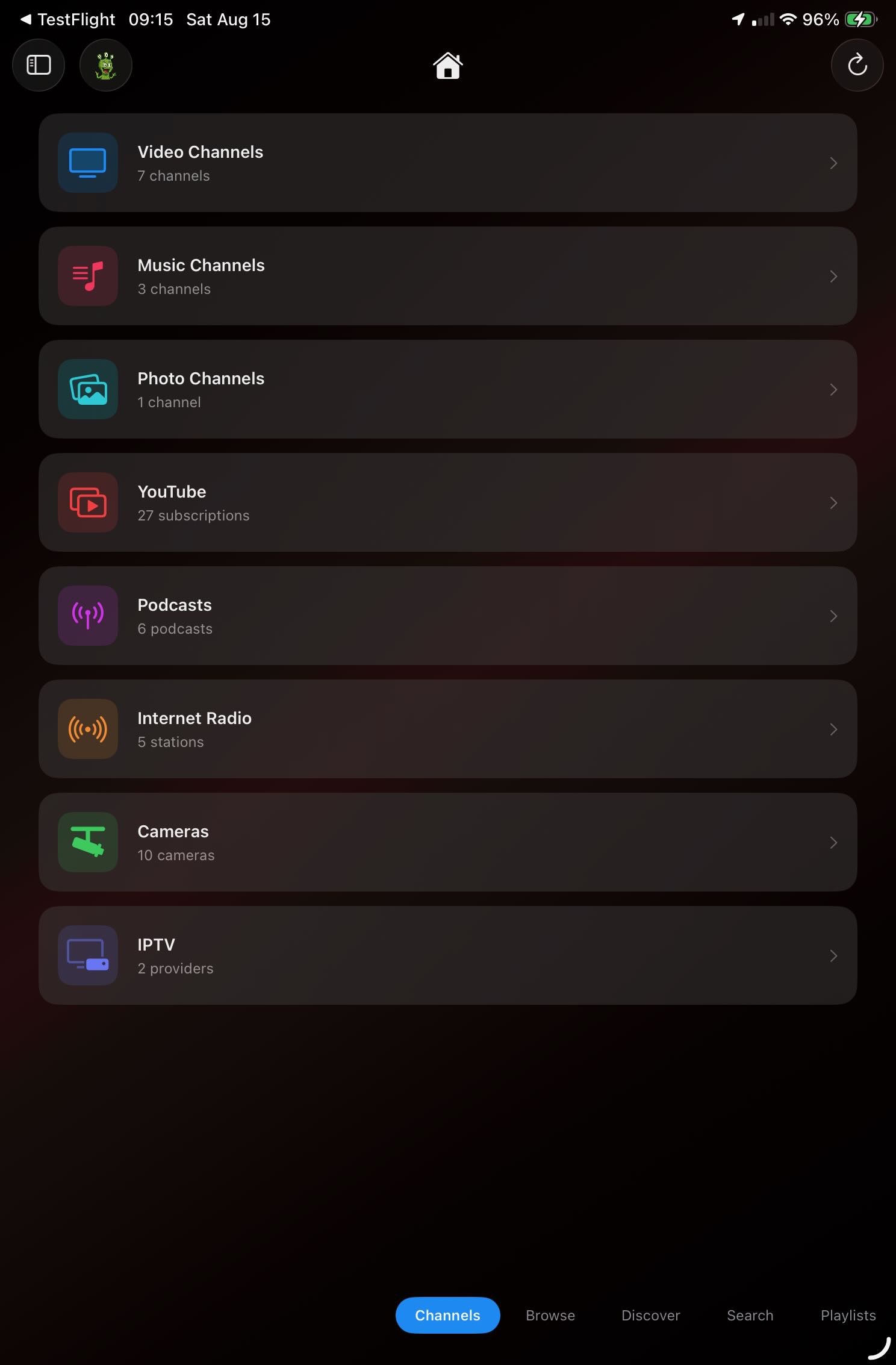
Every supported media type in one place
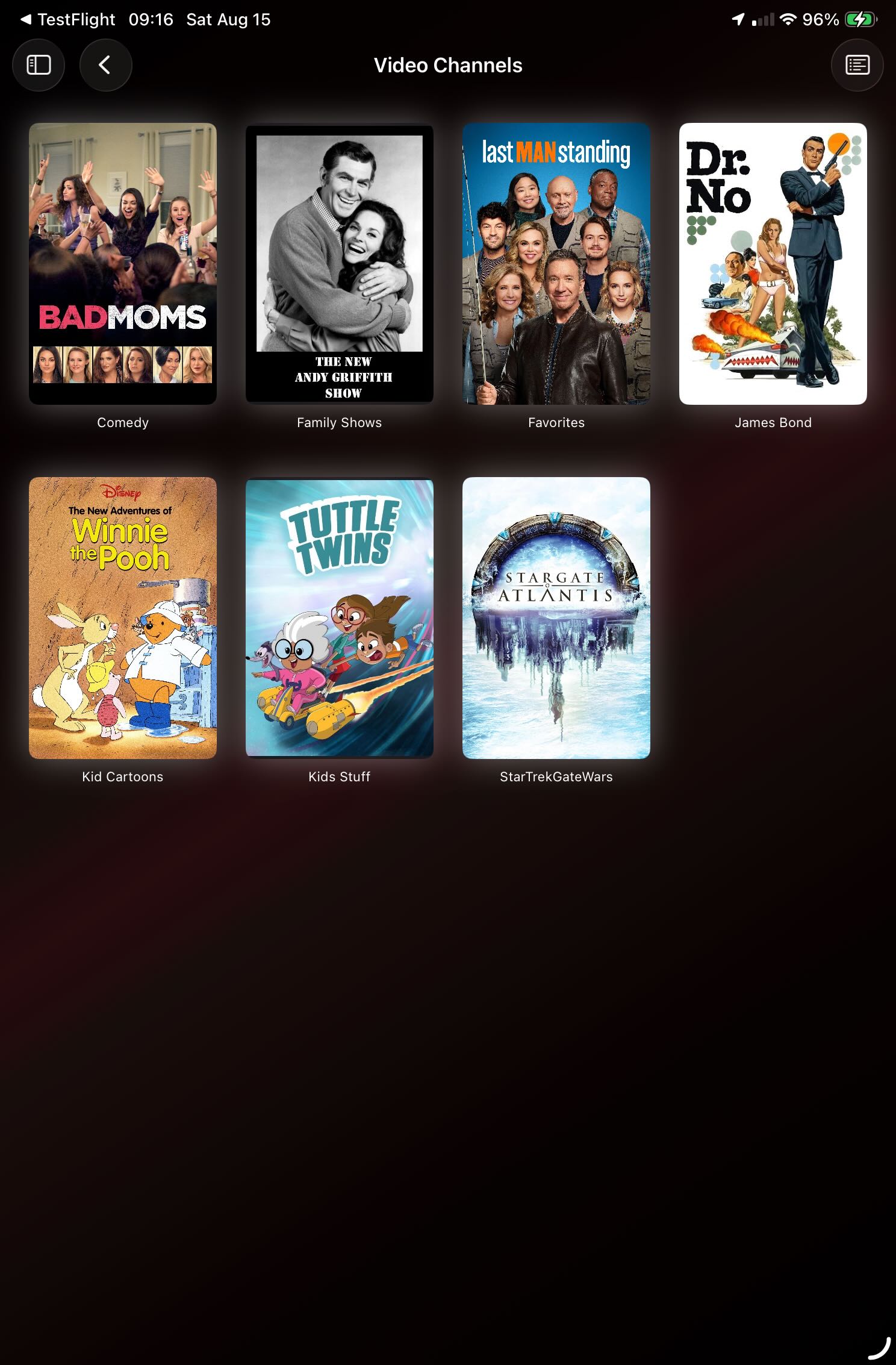
Browse custom video channels
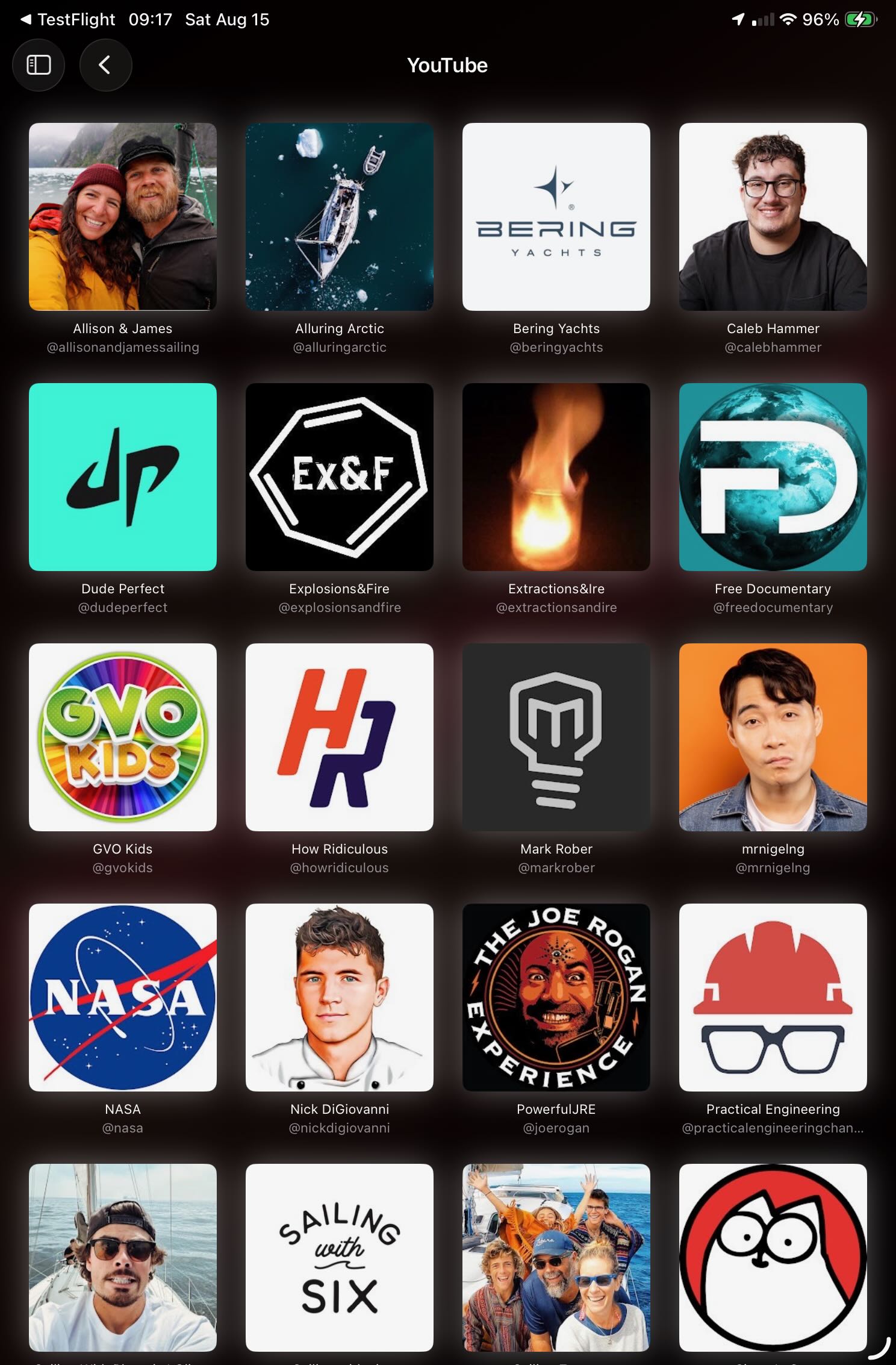
Keep YouTube subscriptions beside your library
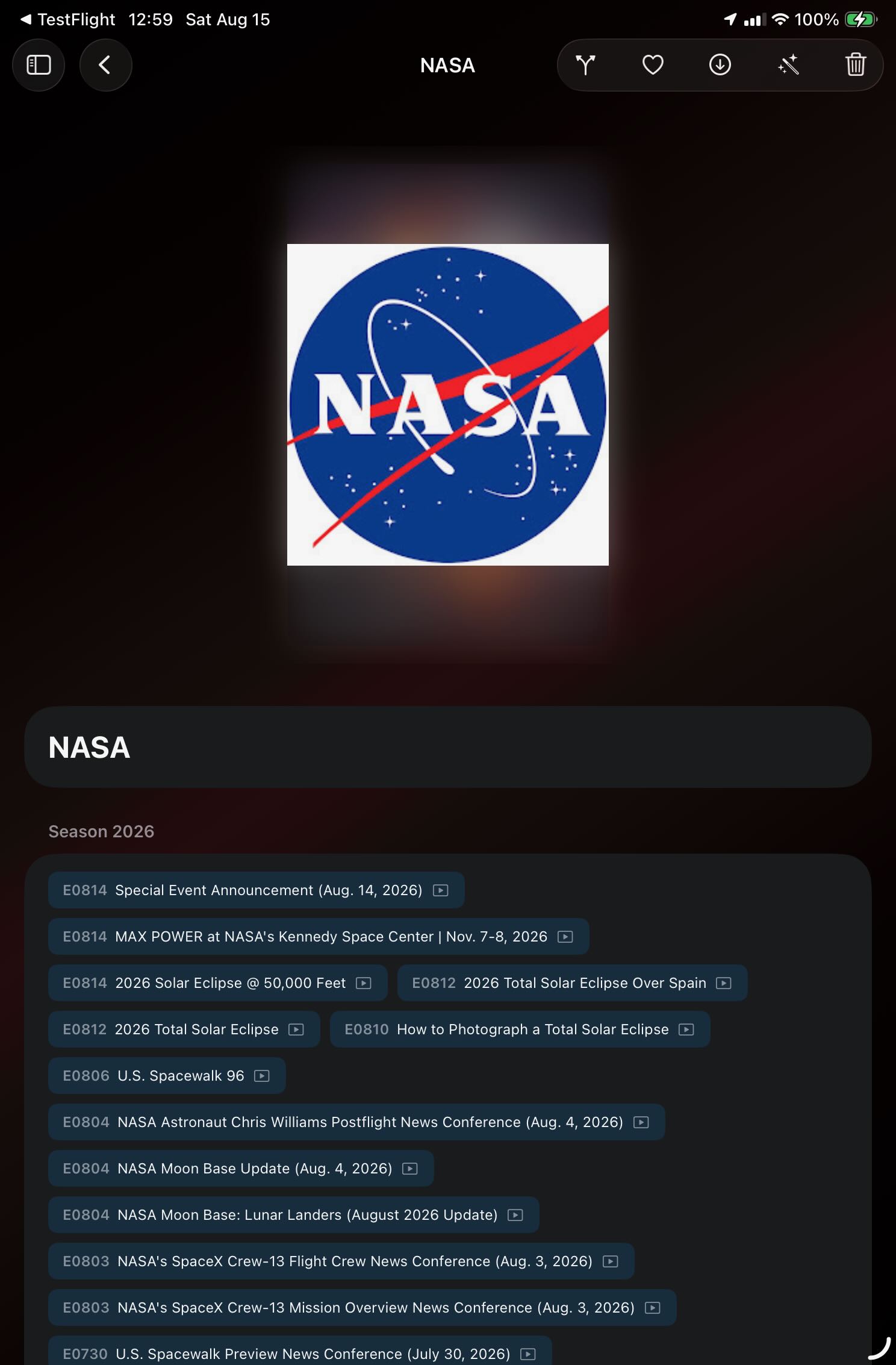
Open videos and live YouTube content
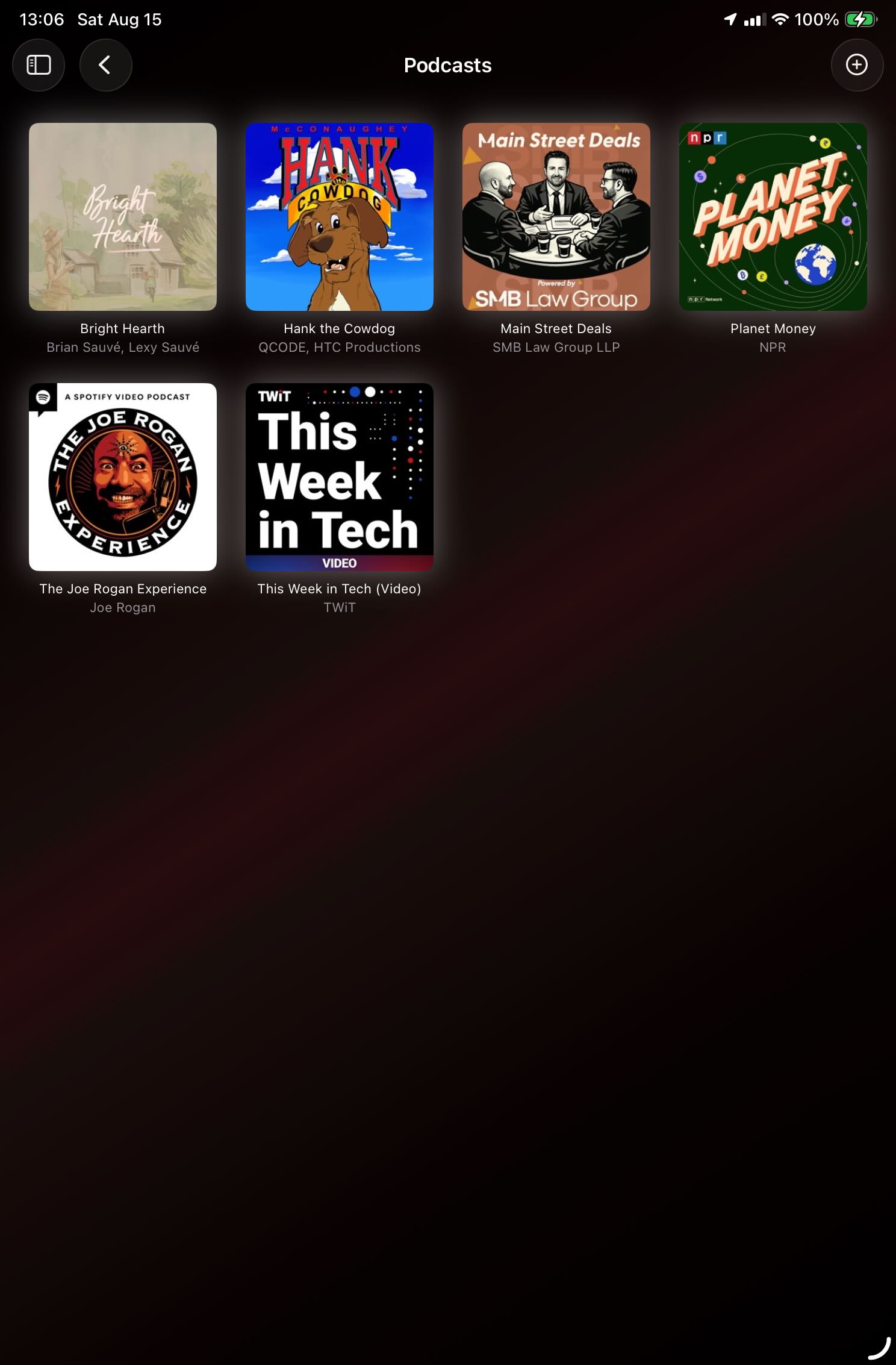
Browse podcast subscriptions
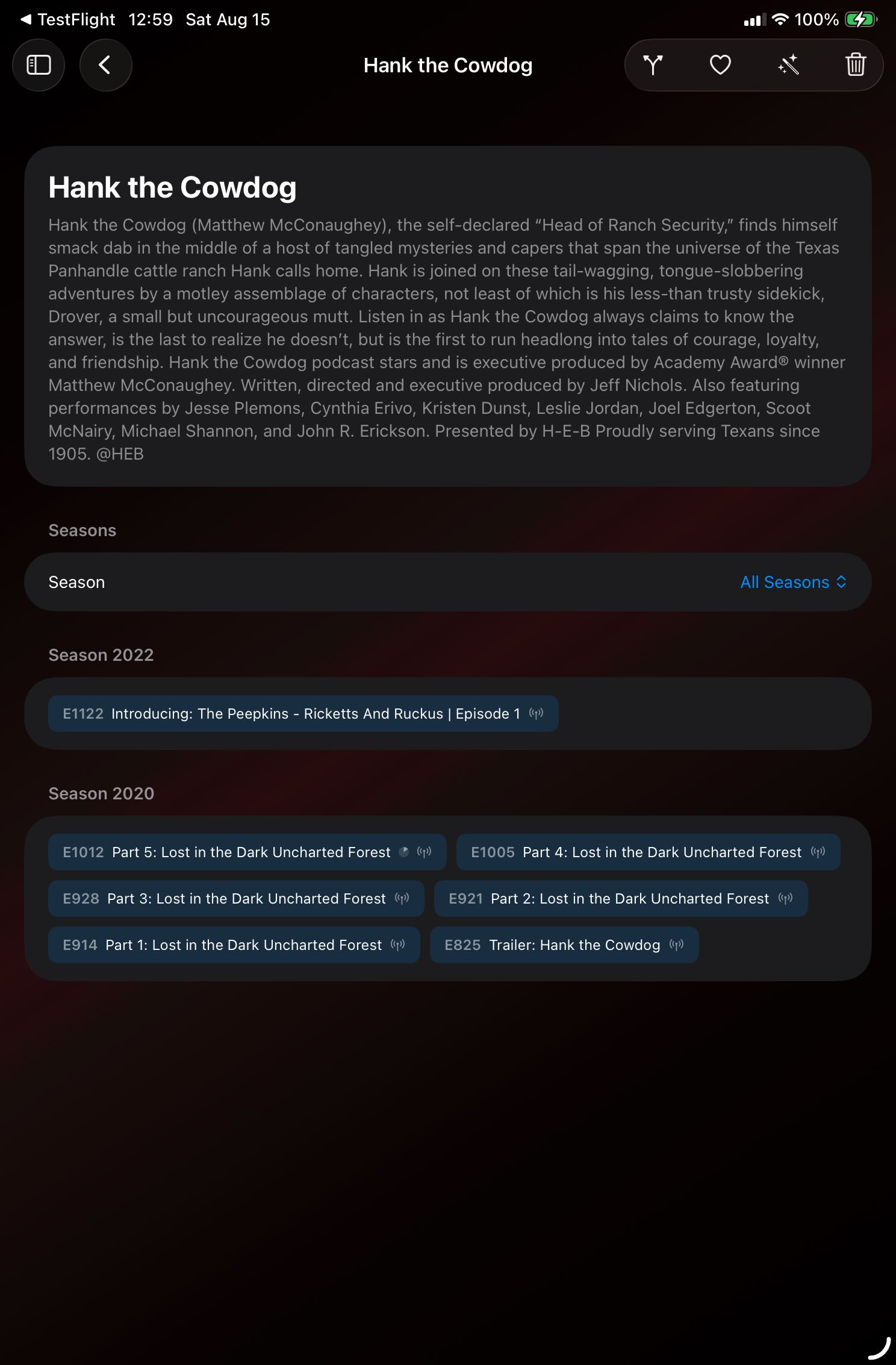
Choose an episode from a podcast
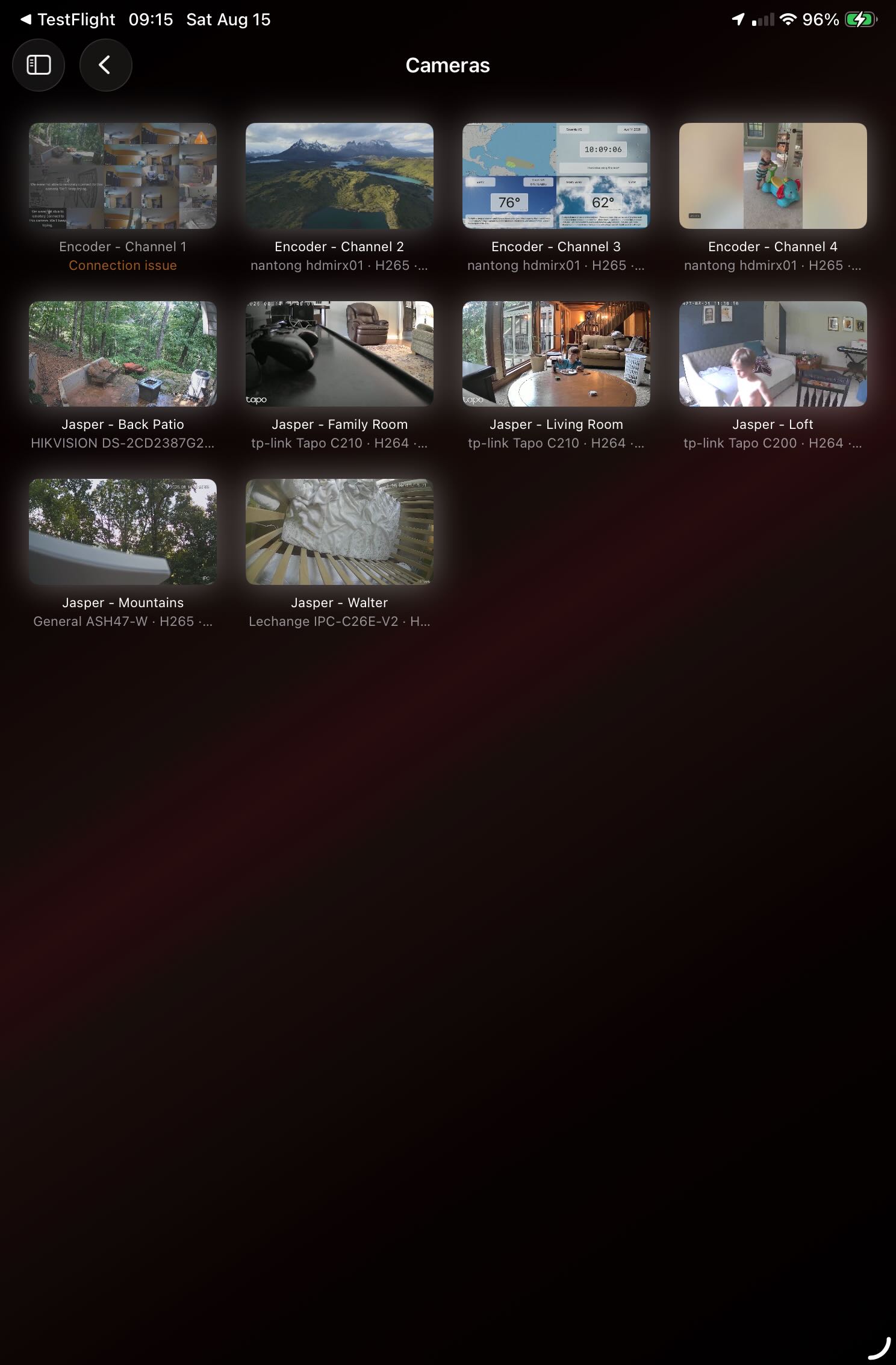
View ONVIF and RTSP cameras together
Organize what is next and revisit what came before
Build playlists across your collection and use history to return quickly to media you recently watched or listened to.
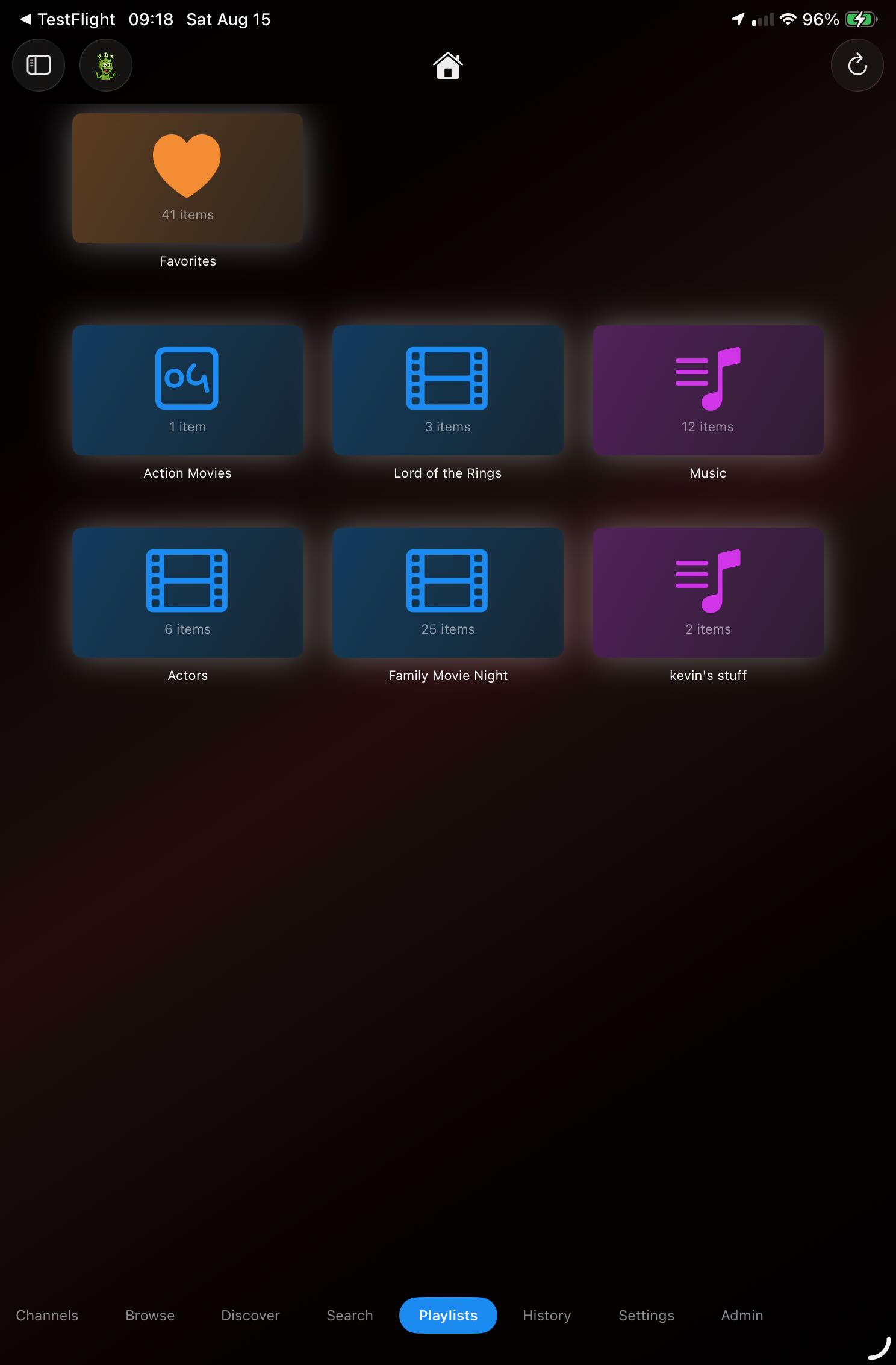
Build playlists from your own media
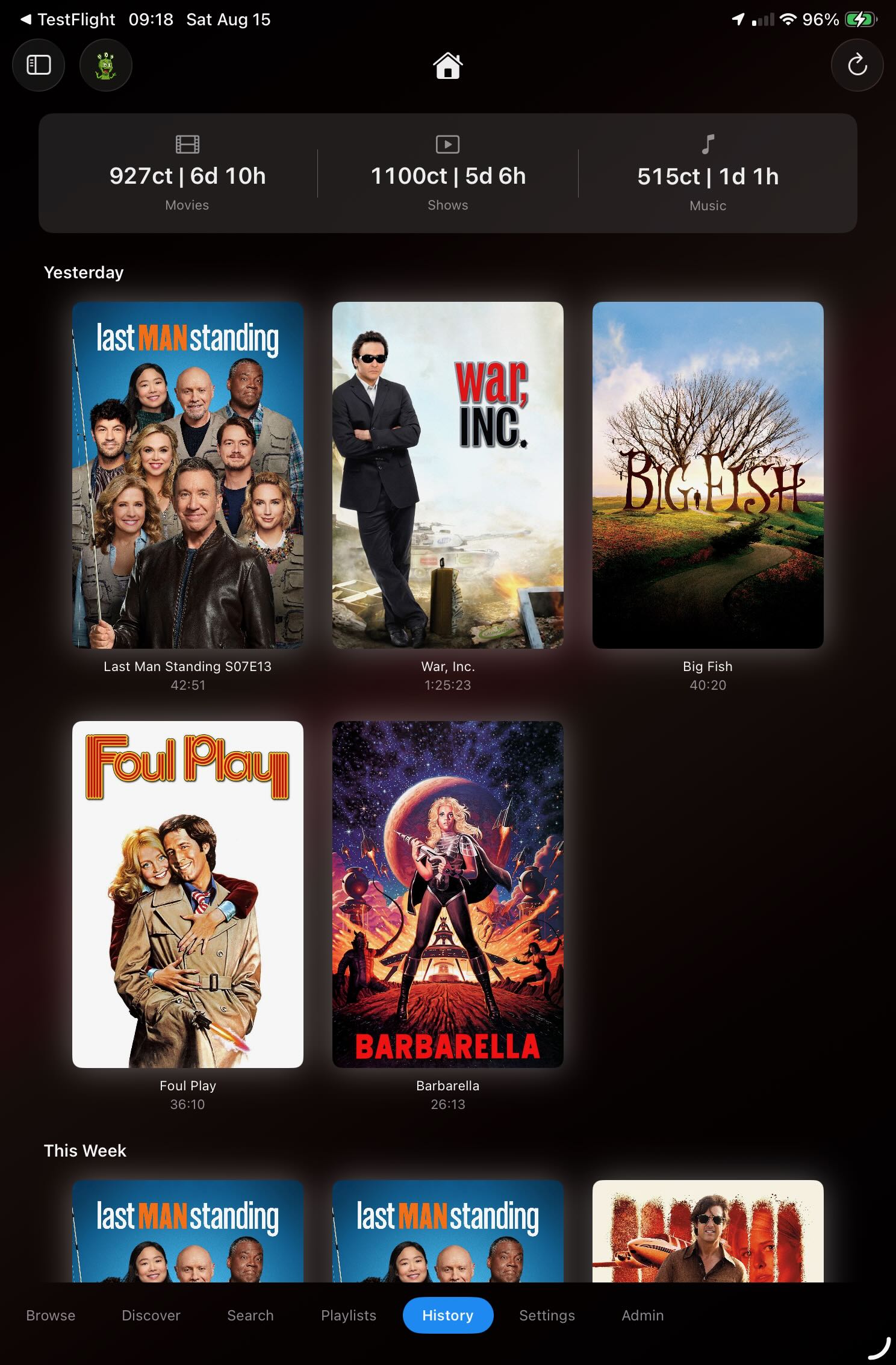
Return to recently played media
ShowShark Server
A Mac media server you can understand at a glance
Add the media and sources you care about, keep the library healthy, pair remote devices, and let ShowShark handle streaming to every Player app.
Connect and maintain your library
Point ShowShark at local folders, external drives, or SMB/NAS shares. The Server scans in place, enriches the library, detects intros, caches thumbnails, and reports its progress.
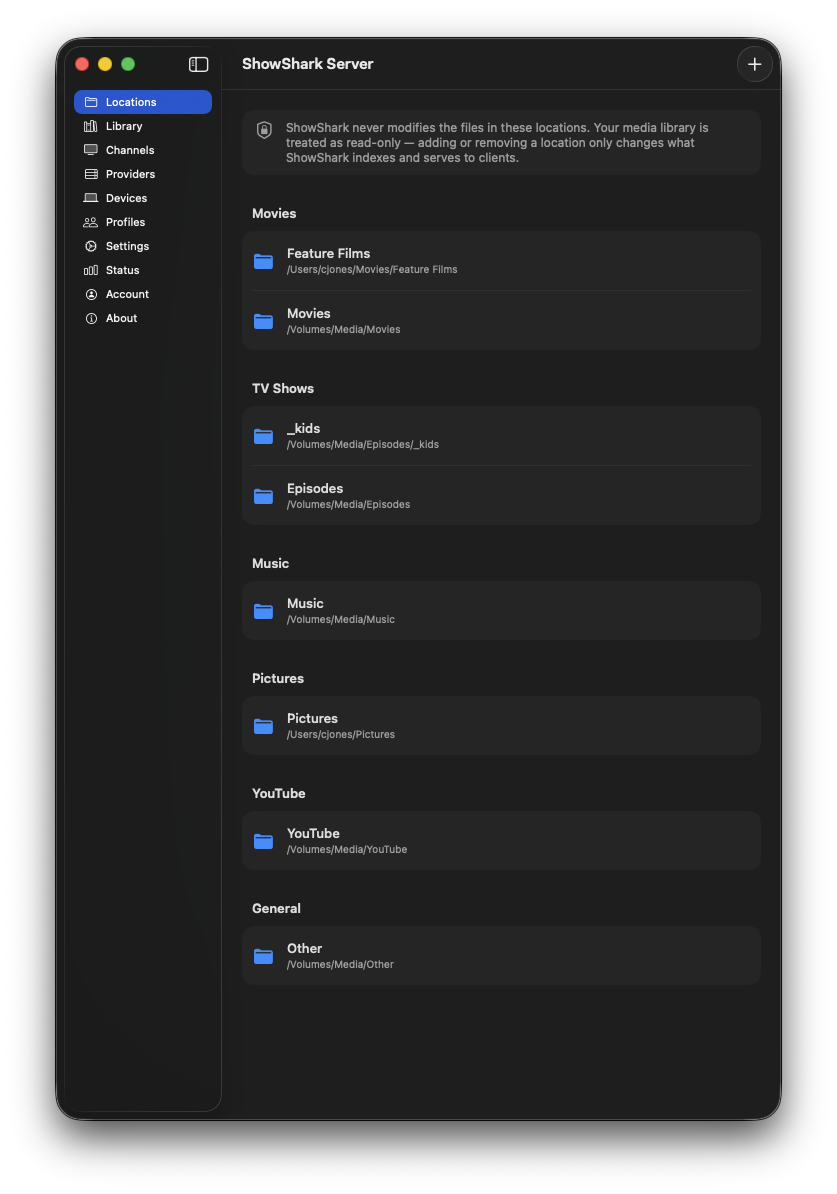
Add folders, drives, and network locations
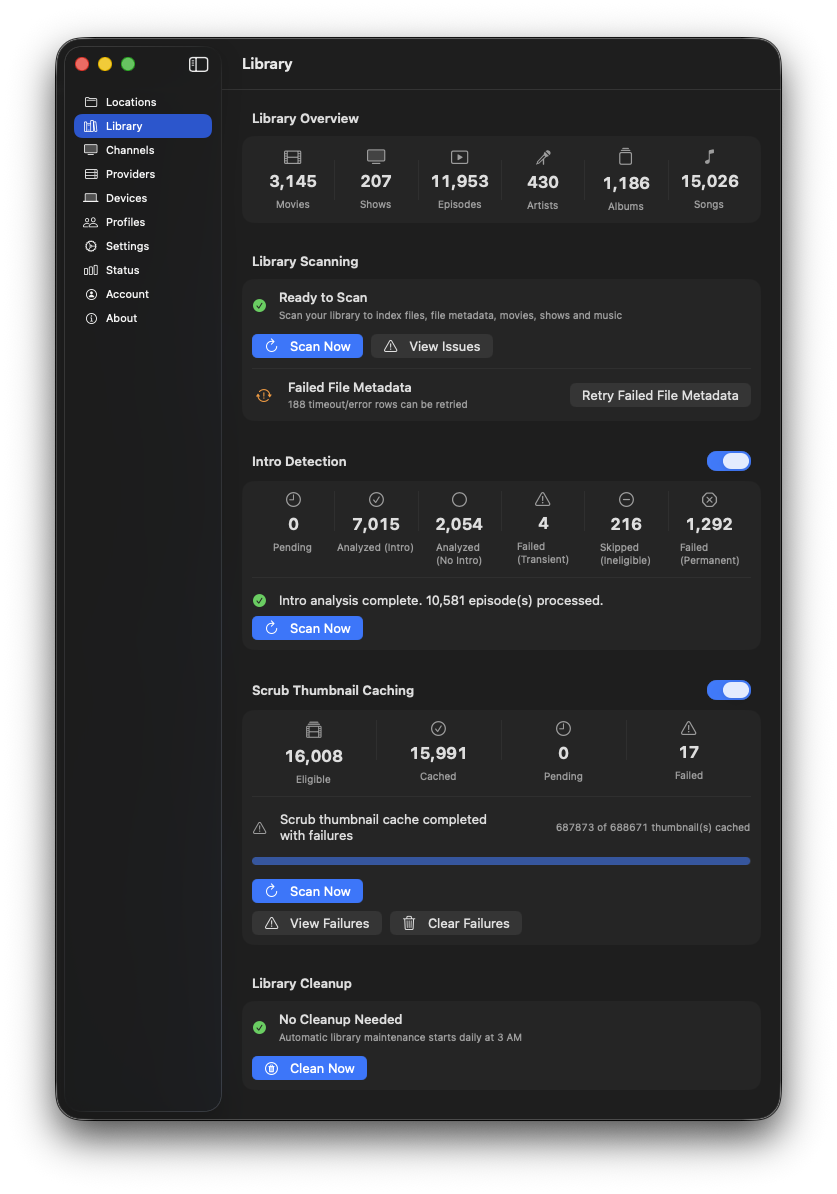
Scan, enrich, and maintain the library
Manage every channel and live source
The Channels screen provides one inventory for video, music, photos, YouTube, podcasts, Internet Radio, ONVIF and RTSP cameras, and IPTV.
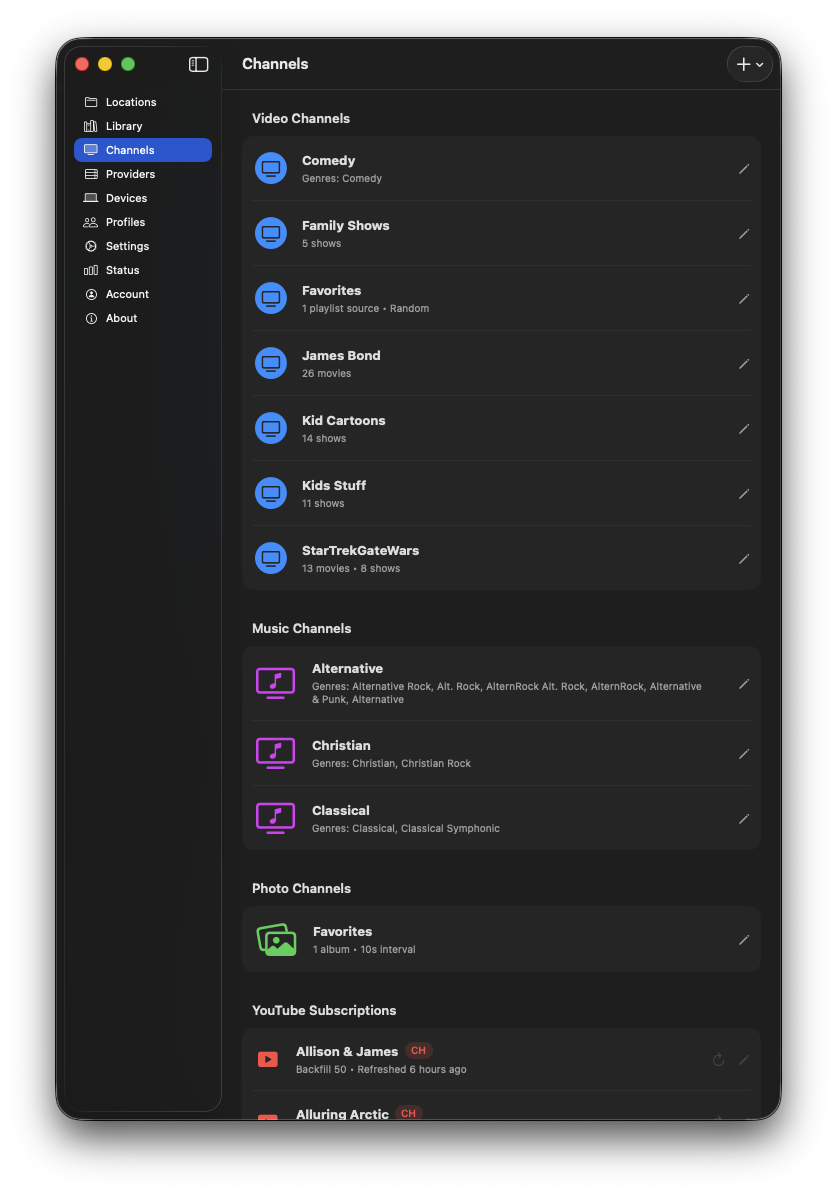
Manage video and music channels
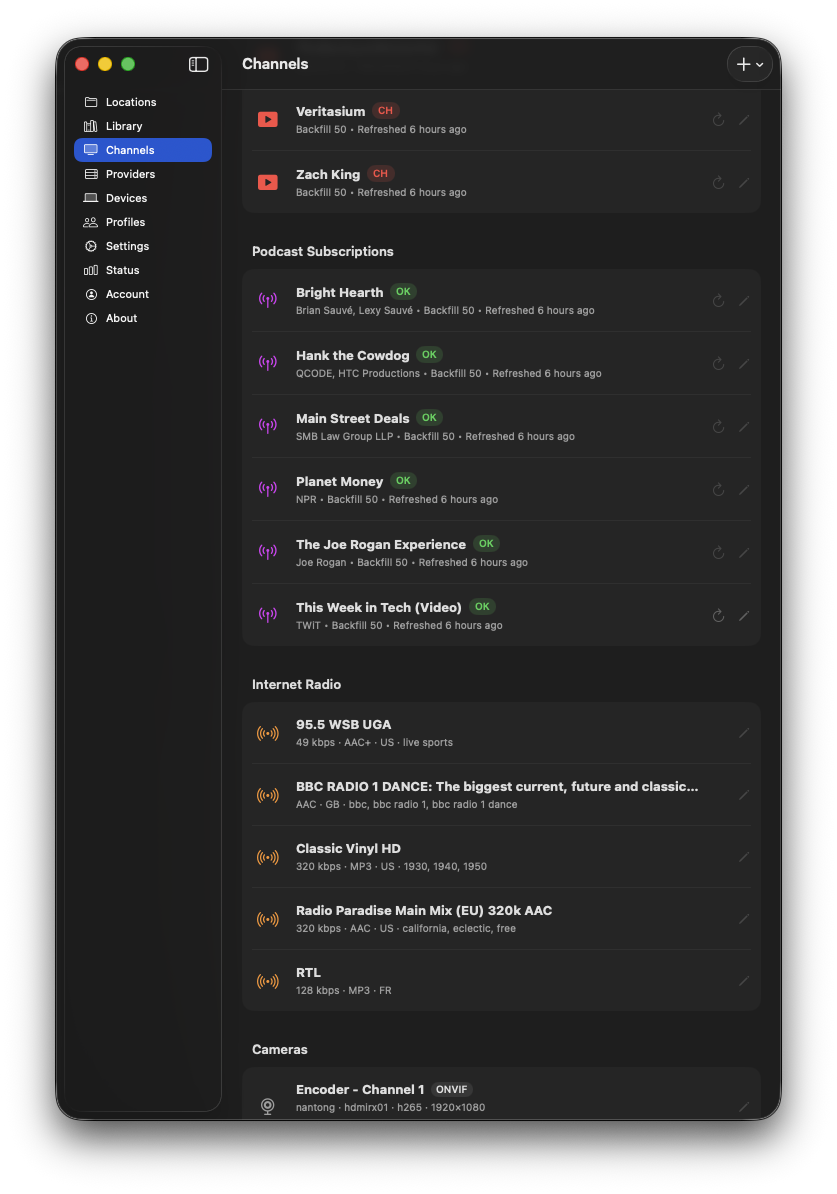
Manage photos, YouTube, podcasts, and radio
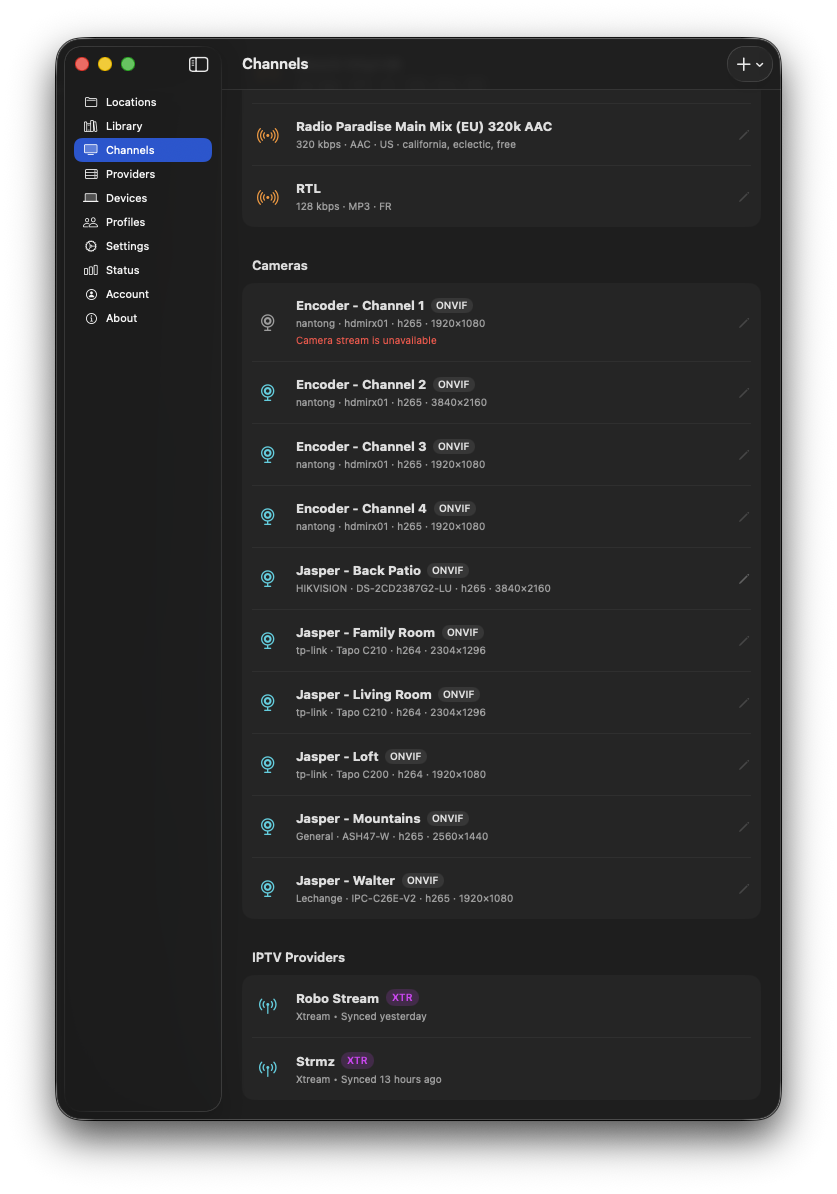
Manage IP cameras and IPTV sources
Create video, music, playlist, and photo channels
Turn folders, saved playlists, albums, and photo collections into browsable channels that appear consistently across your Apple devices.
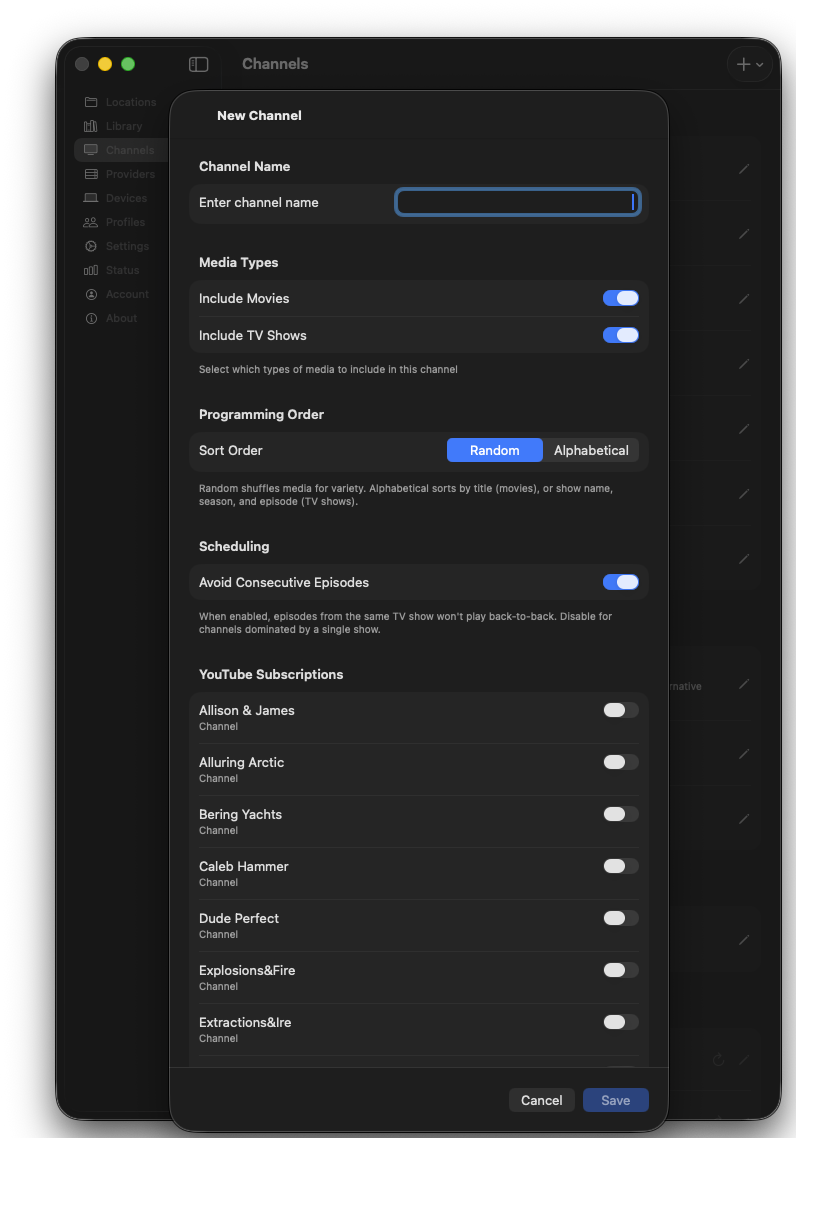
Start a custom video channel
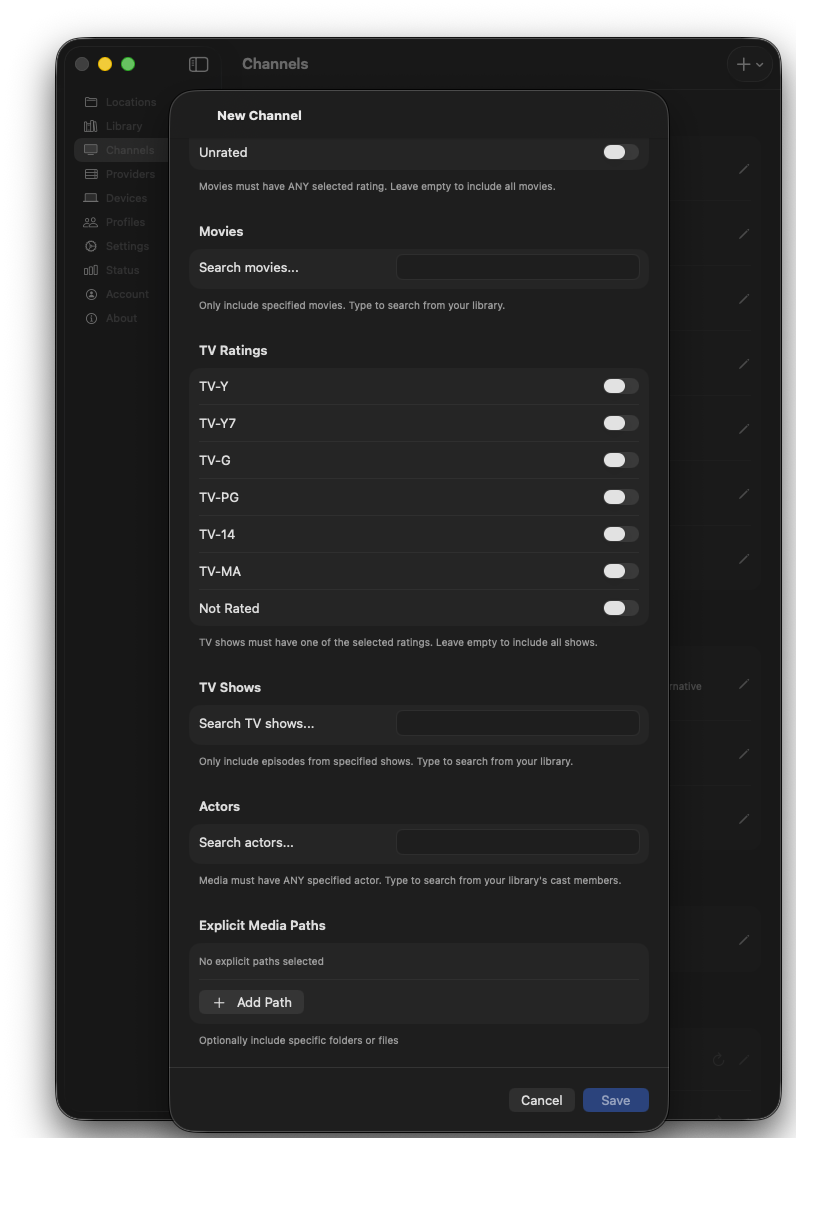
Finish the video channel configuration
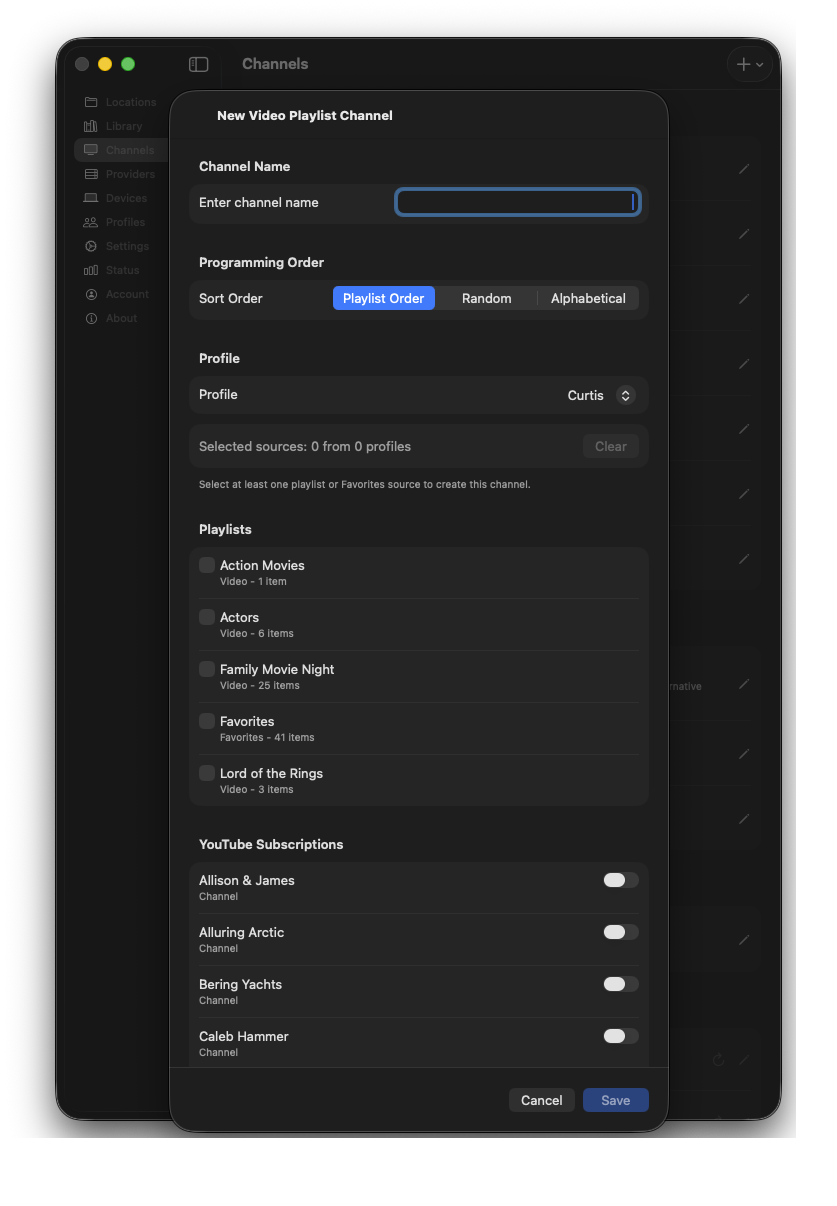
Create a video playlist channel
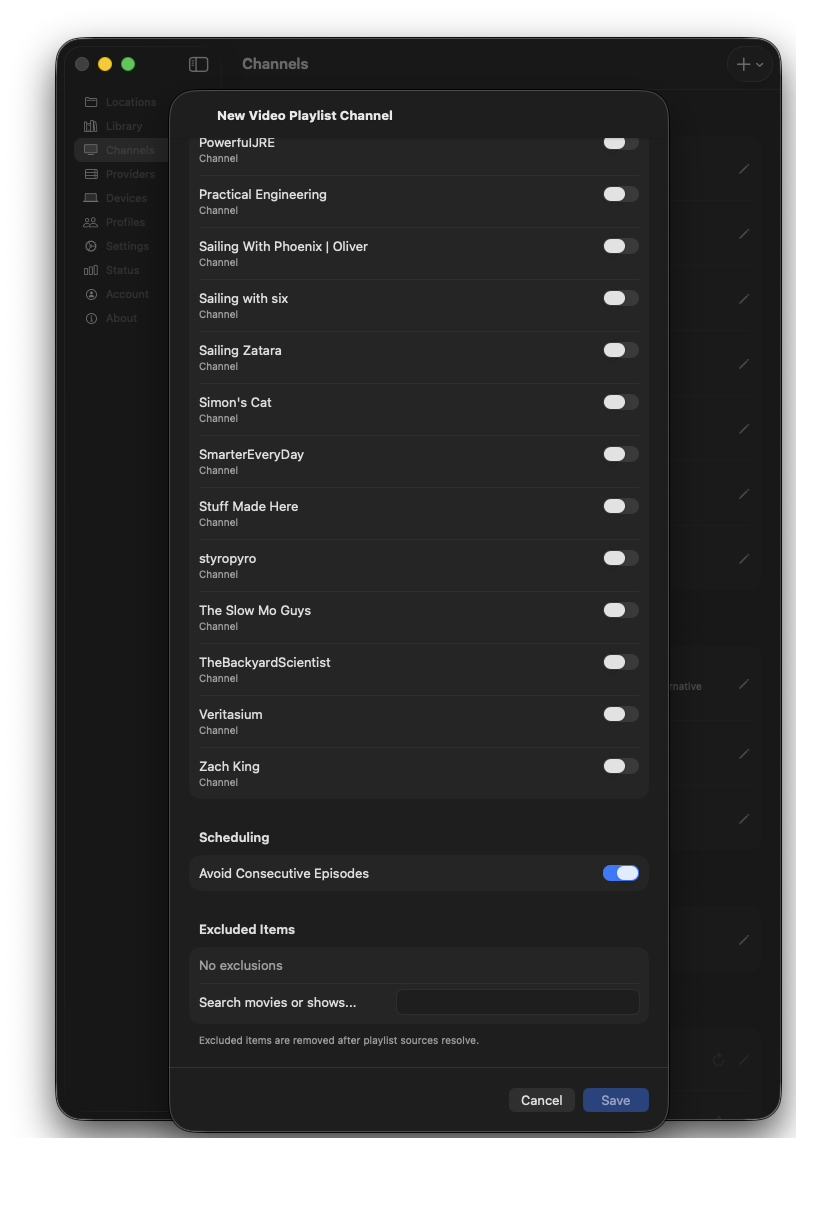
Choose the playlist content
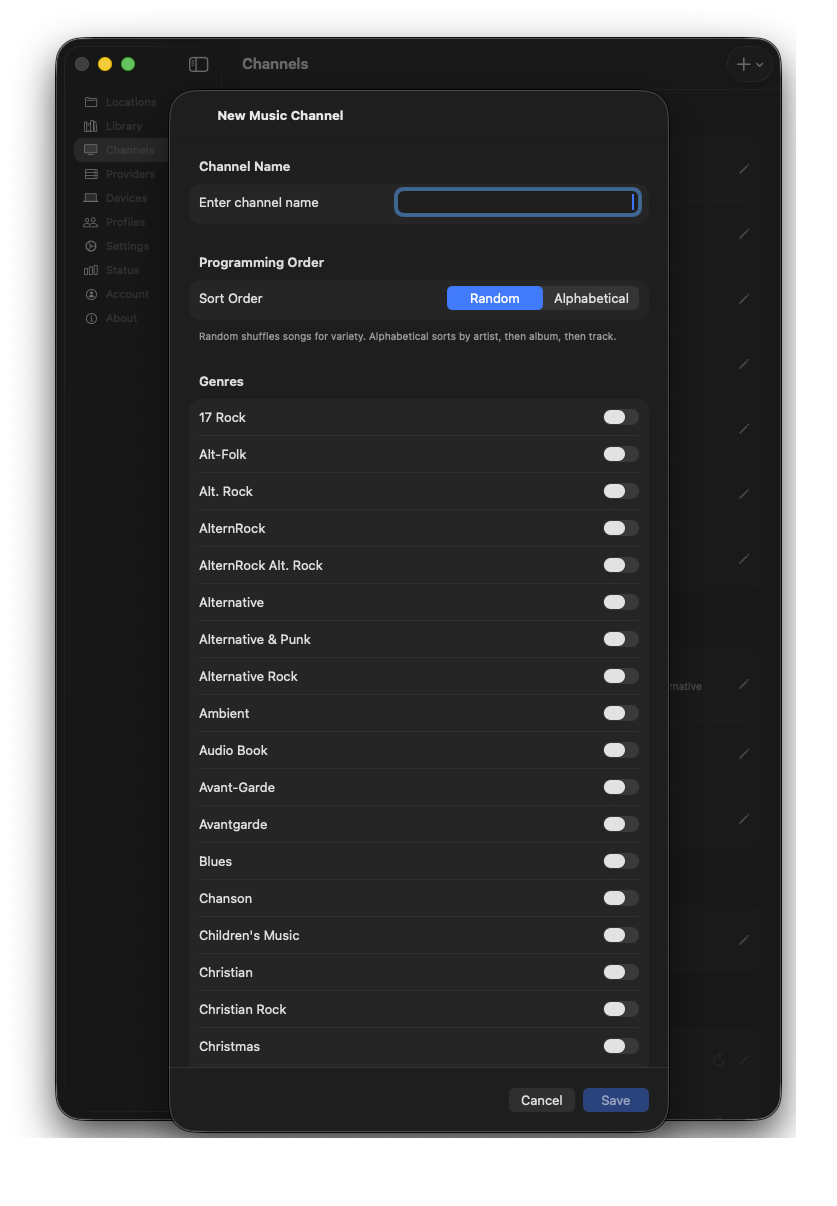
Start a custom music channel
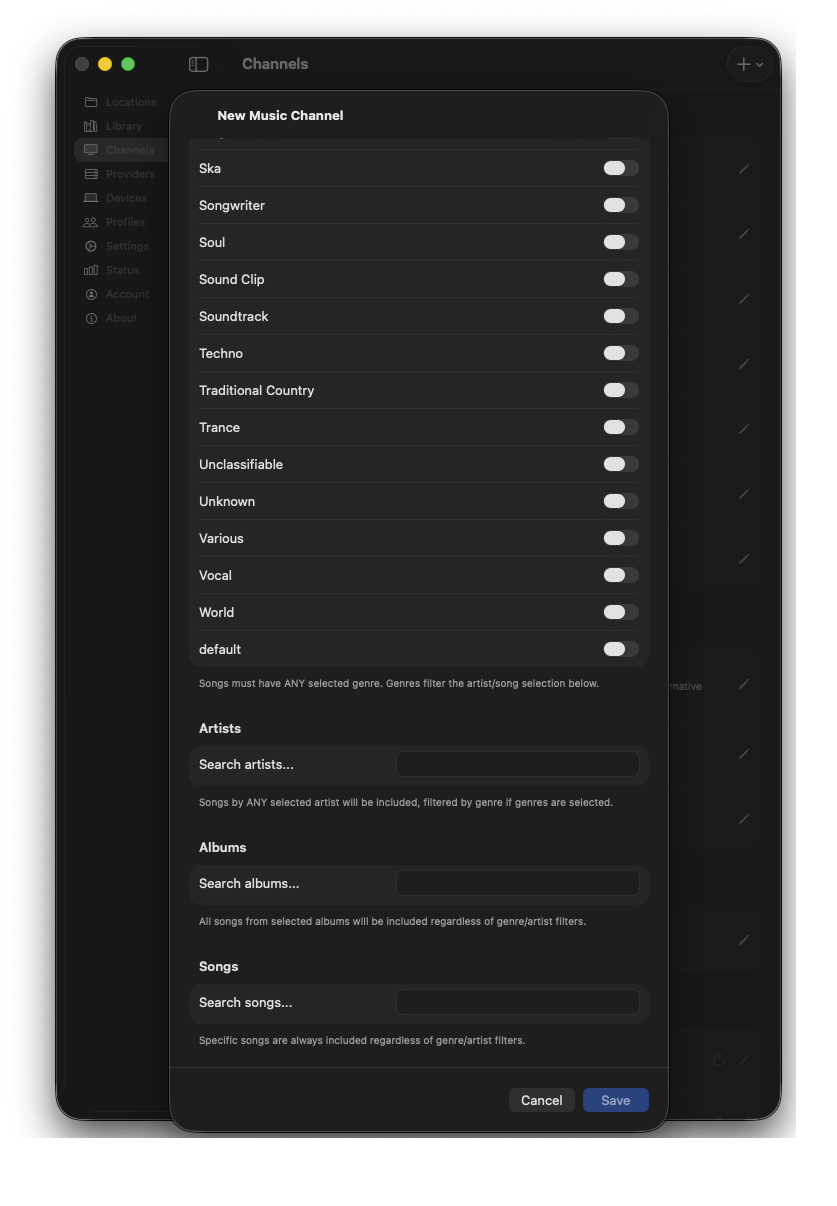
Choose the music channel content
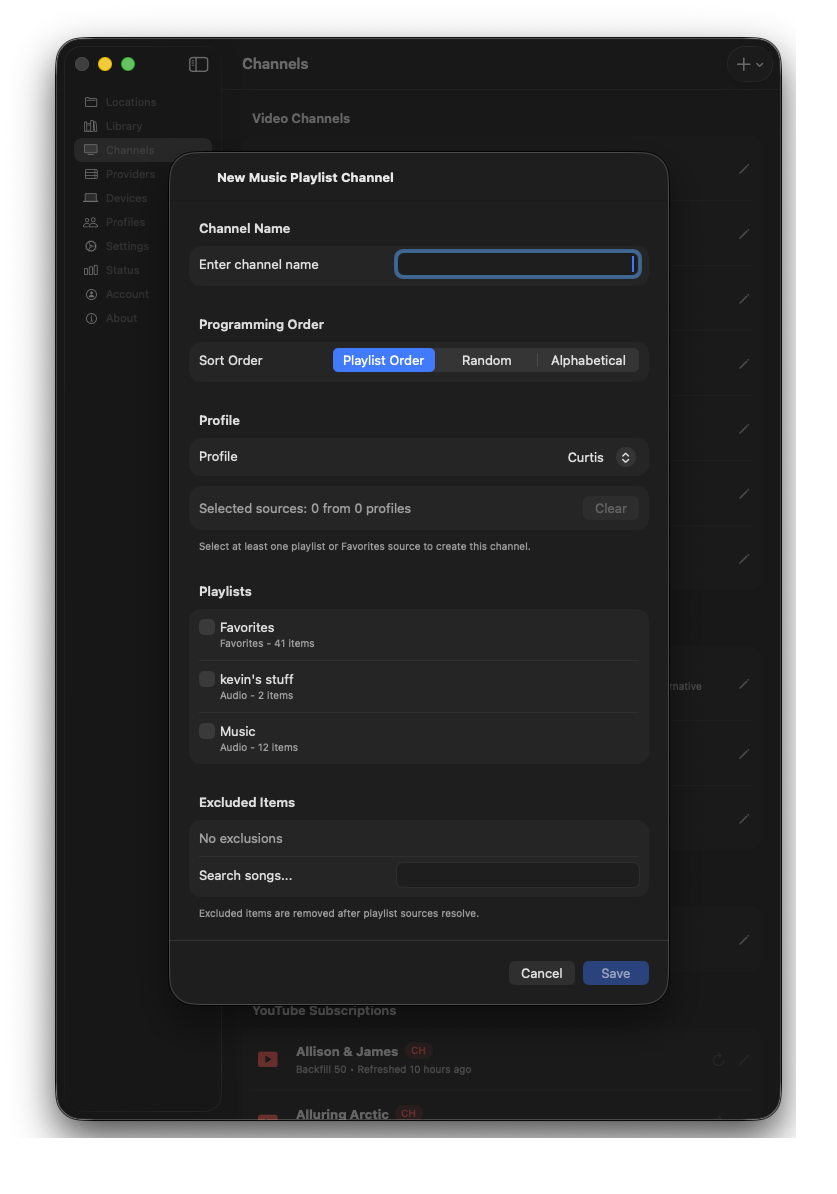
Turn a music playlist into a channel
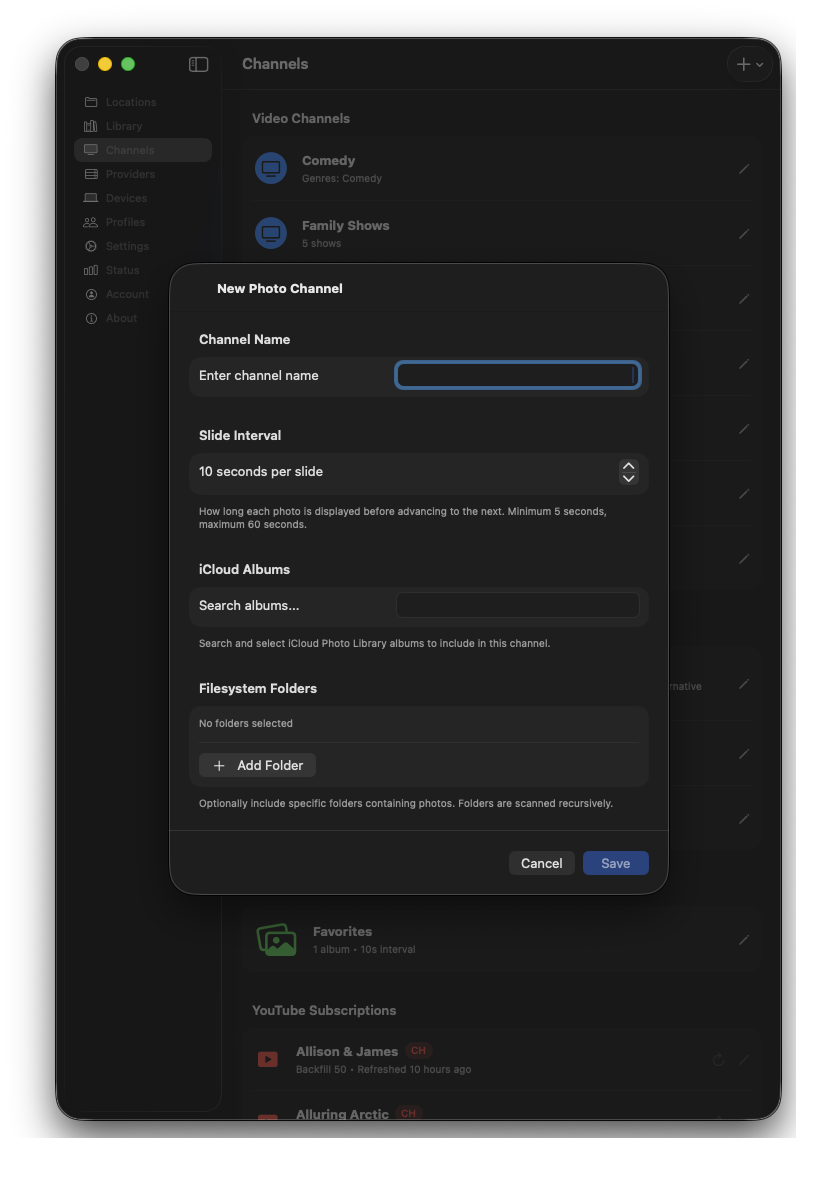
Create a channel for photo collections
Add YouTube, podcasts, radio, and IPTV
Bring recurring online sources into the same private interface as your local collection, including YouTube subscriptions, podcast feeds, Internet Radio, and IPTV playlists.
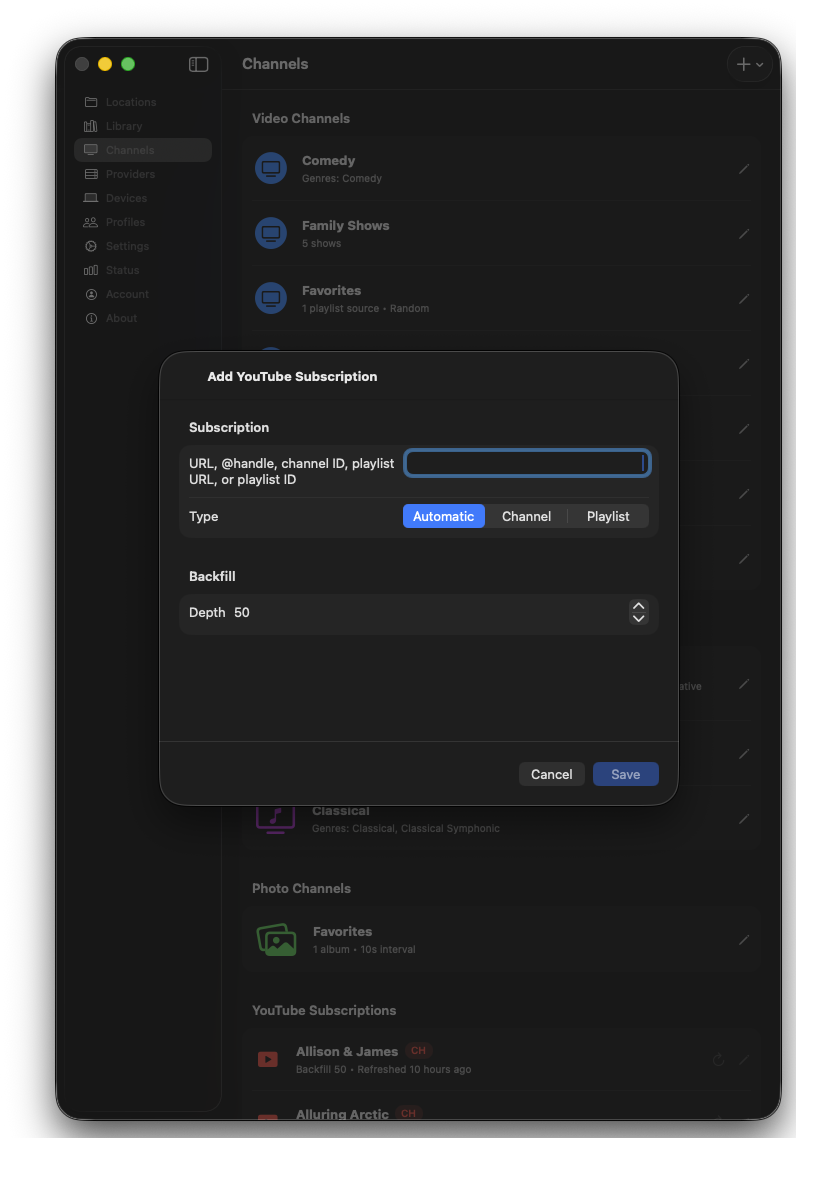
Subscribe to a YouTube channel
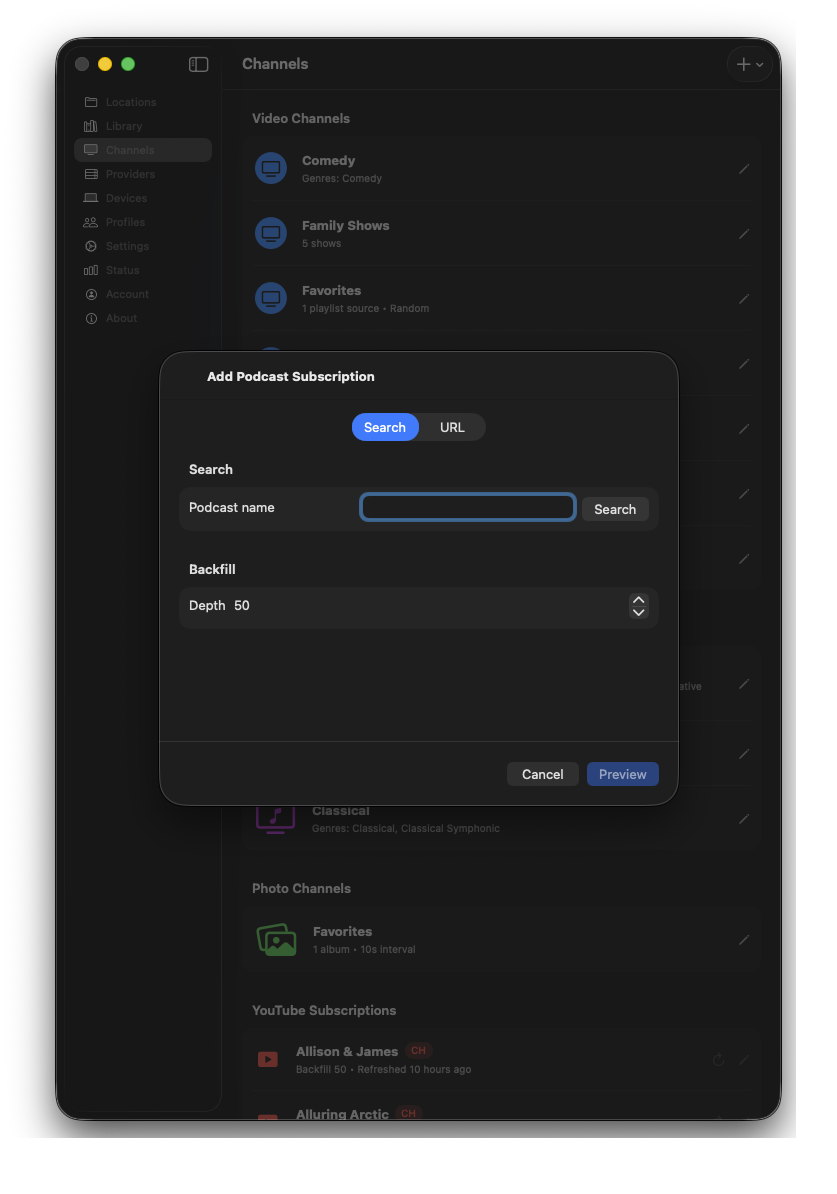
Add a podcast feed
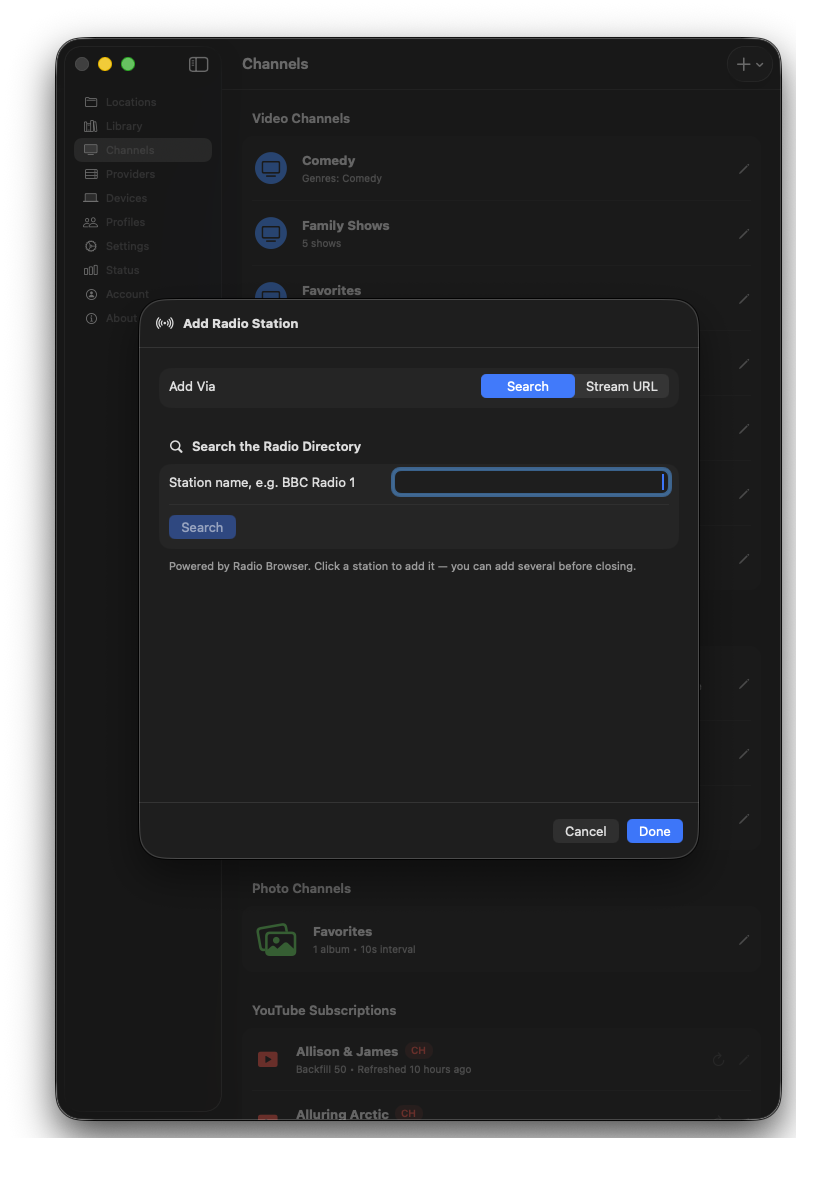
Add an Internet Radio station
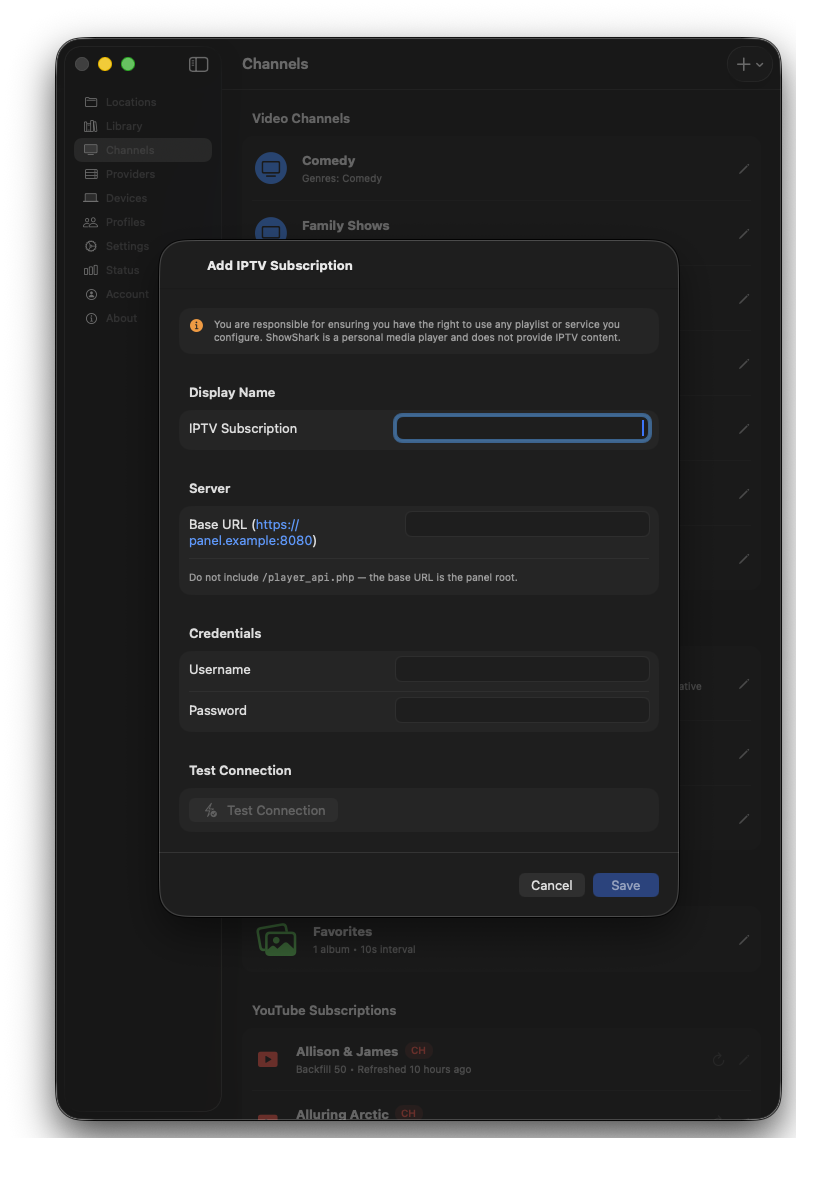
Connect an IPTV subscription
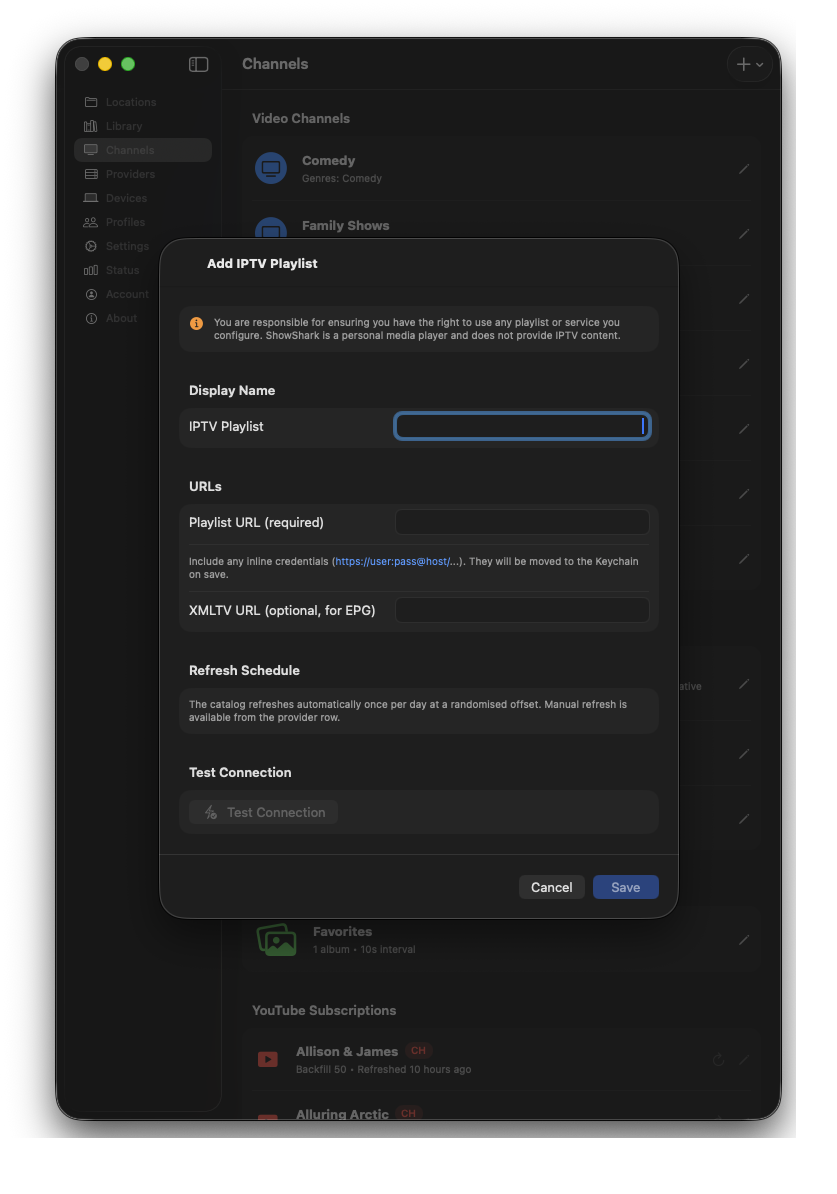
Add an IPTV playlist directly
Discover ONVIF cameras or add an RTSP stream
Let ShowShark discover compatible IP cameras on your network, select the camera and profile you want, and make those live RTSP feeds available in the Player app.
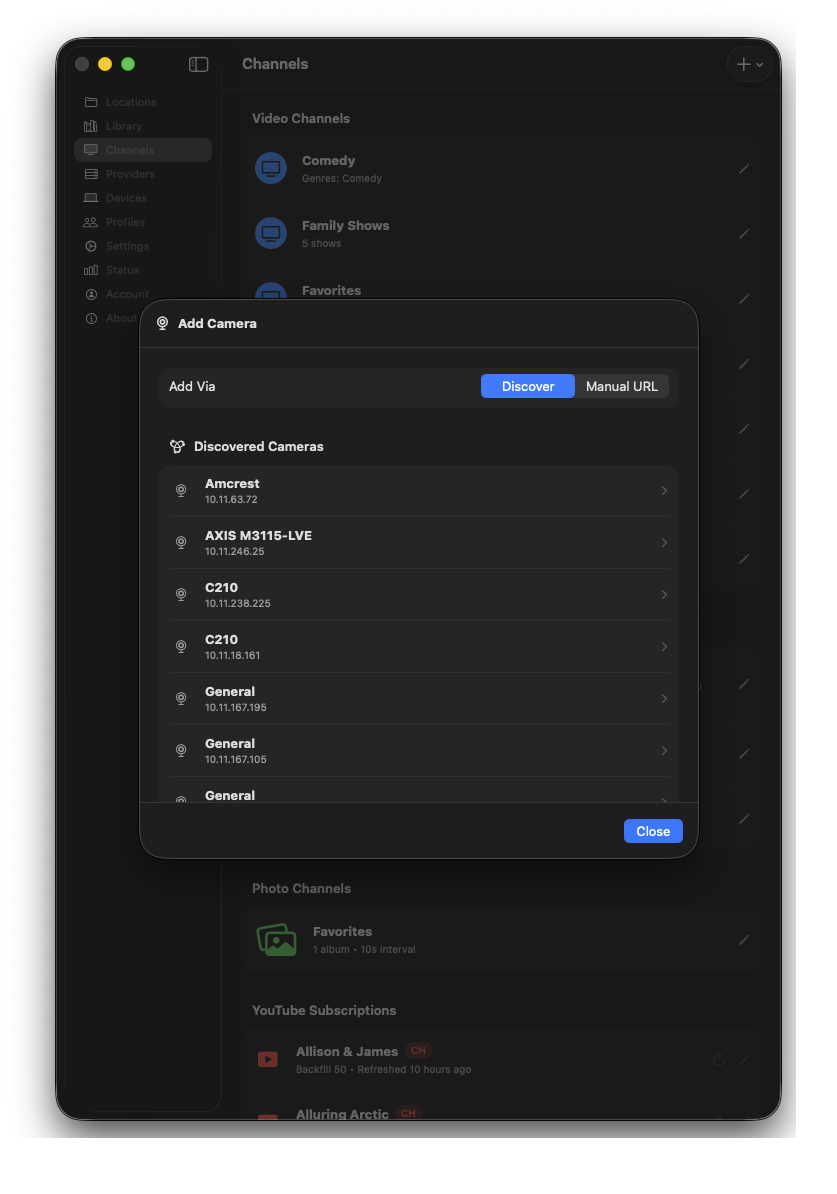
Discover ONVIF cameras on the network
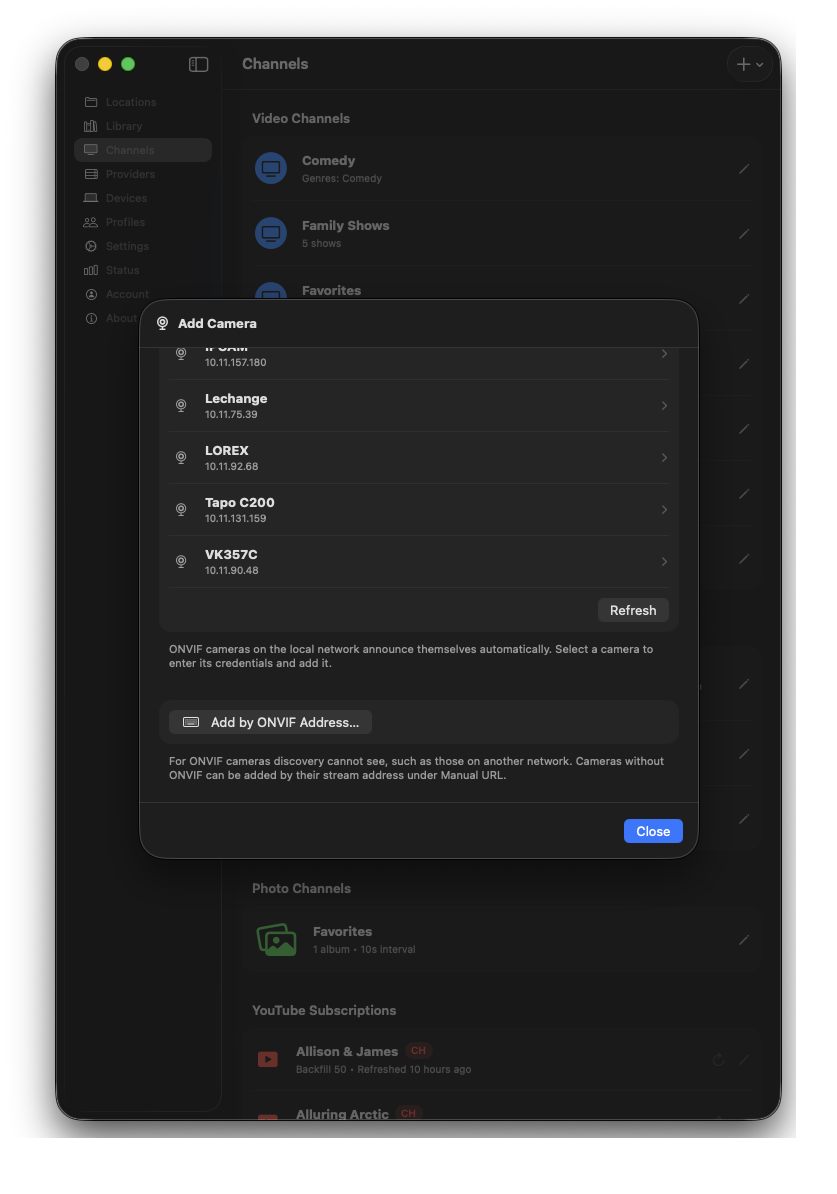
Select and configure the RTSP camera stream
Pair remote devices and create profiles
Connect a Player away from home using a short pairing code, review and edit connected devices, and keep libraries personal with individual profiles.
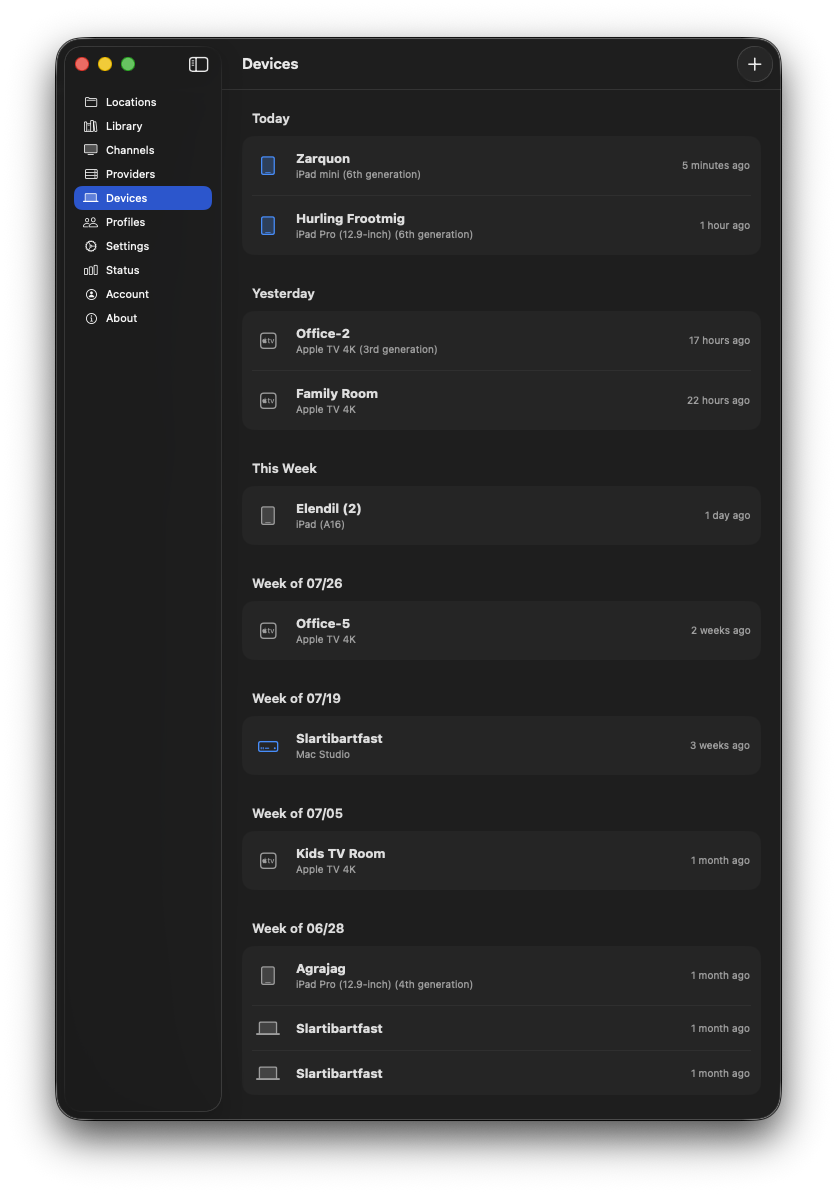
Review every paired device
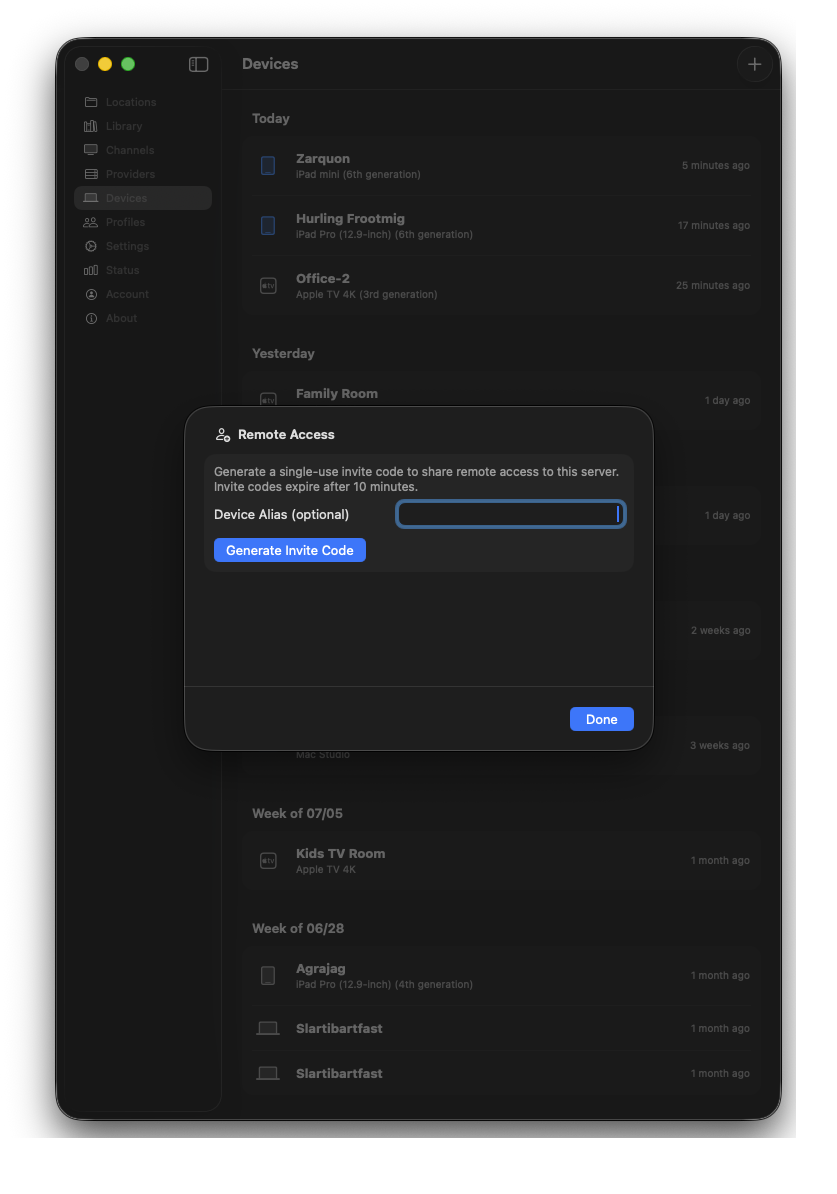
Pair a remote device with a short code
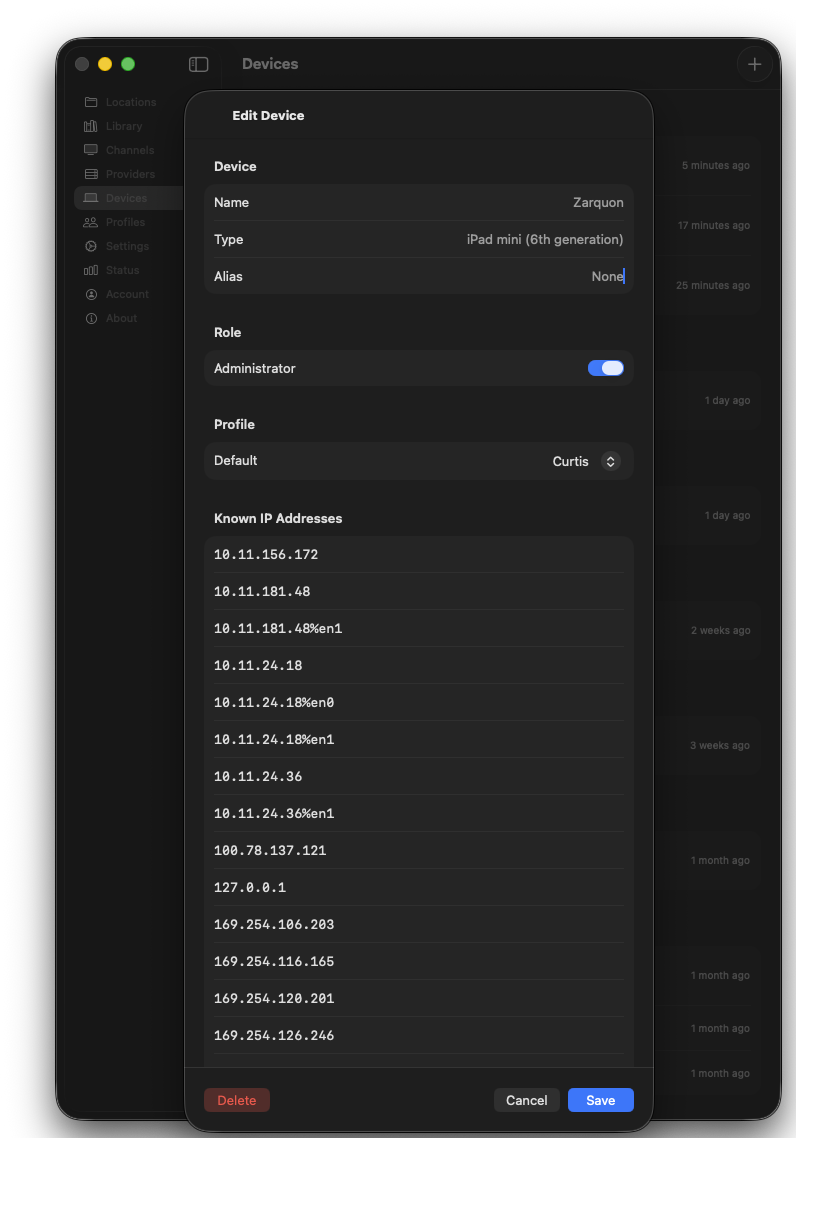
Edit a paired device
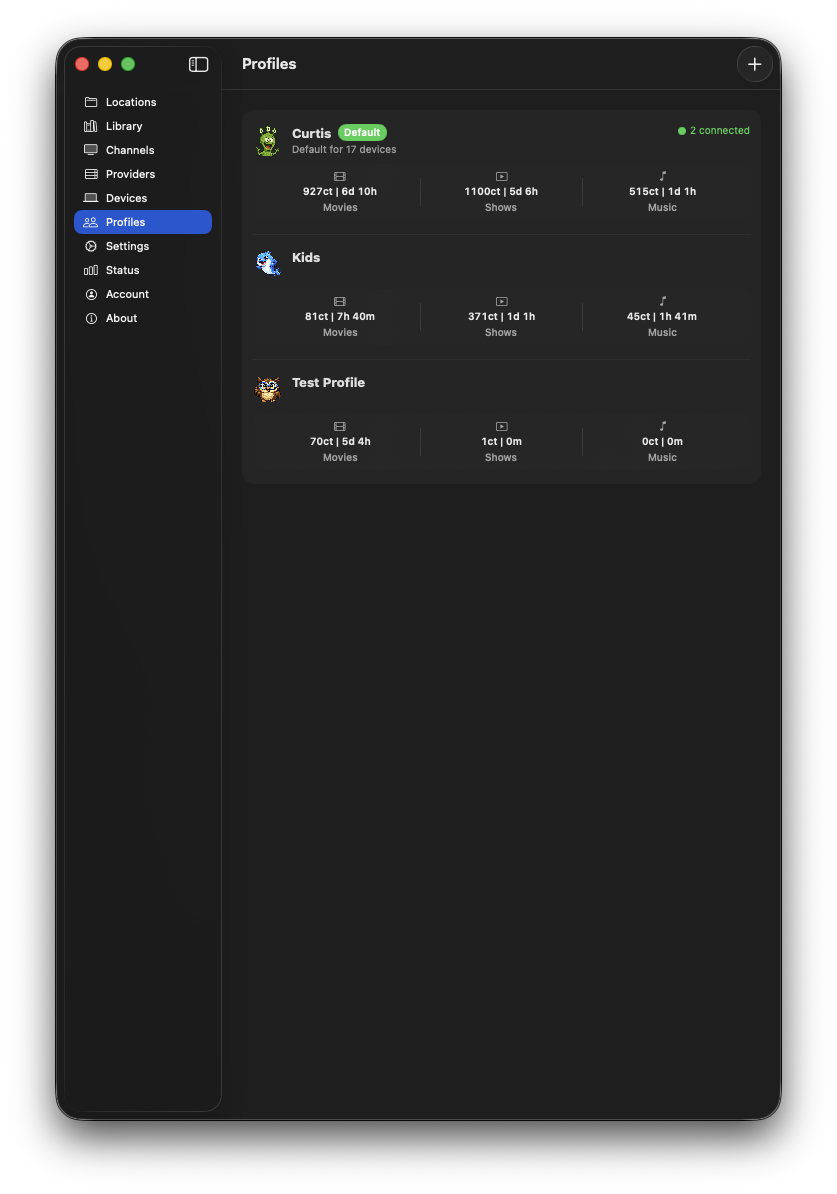
Create personal and kids profiles
Control metadata providers and see server details
Configure the services ShowShark uses to enrich the library, then review the running Server version and system information from one place.
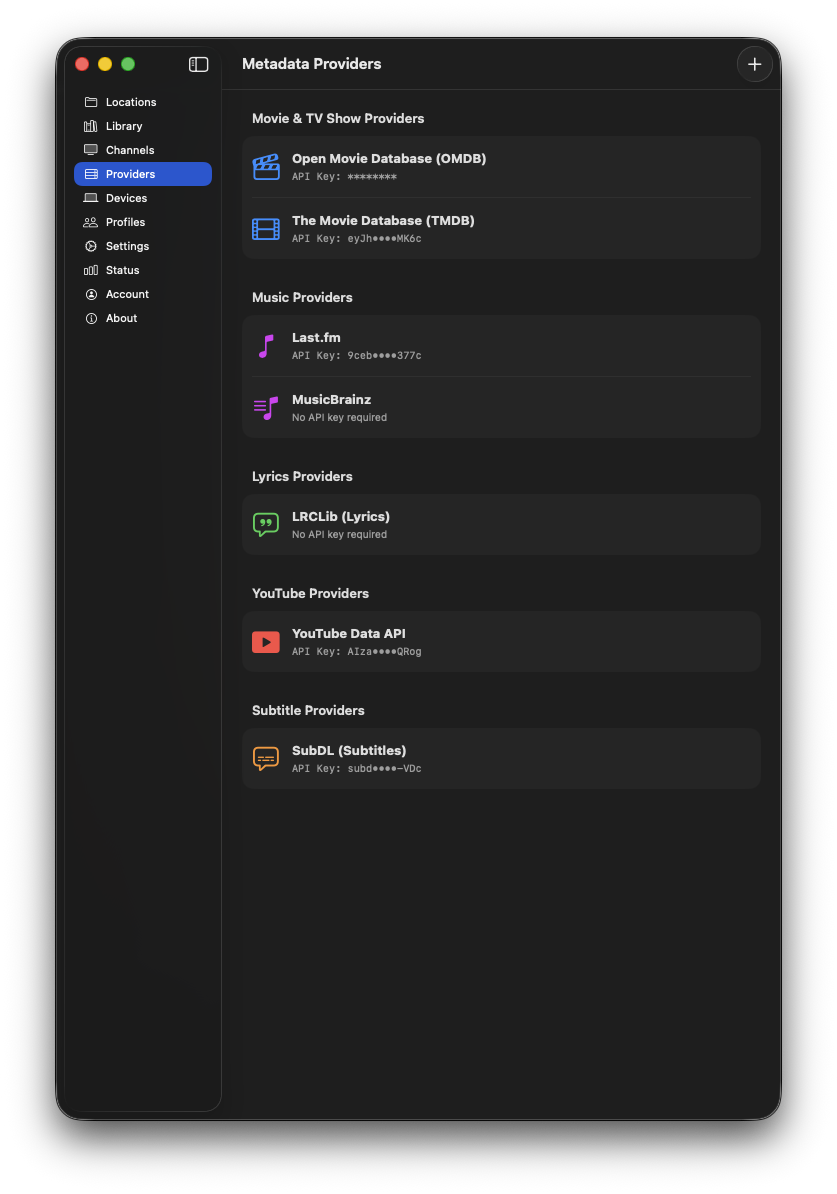
Configure metadata and content providers
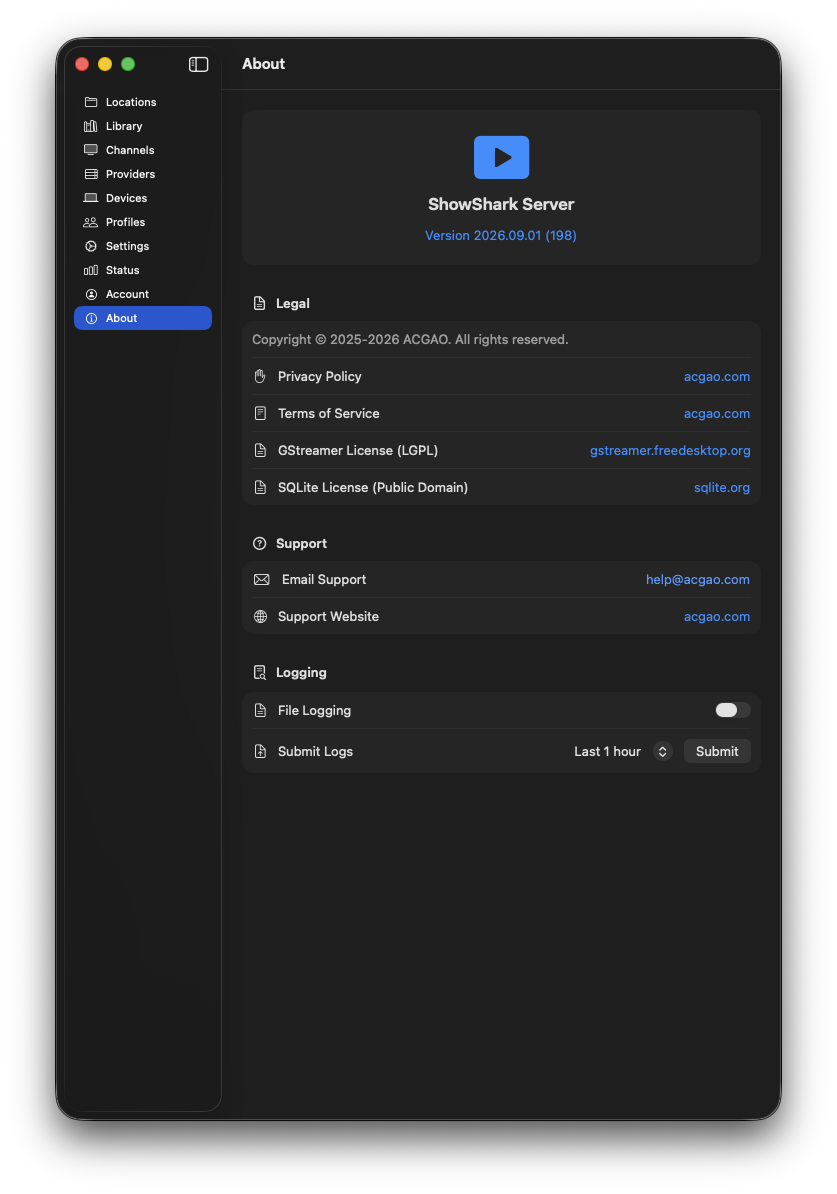
Review Server and system information
Choose your next step.
Compare Home and Studio, or try the current ShowShark Server and free Player. Studio is coming soon.